

The complete guide
How To Choose And Place A 2K Smart Home Security Camera
The real problem with most home cameras
Almost nobody buys a security camera because they love gadgets. They buy one after something annoying happens. A parcel goes missing off the porch. The side gate is open again and nobody admits to it. A car gets a long scratch down one side and the street has nothing to say about it.
So you buy a camera, something goes wrong a second time, you open the app, and the footage is useless. Too dark. Too blurry. The person is a grey shape at the edge of the frame. You can see that something happened. You cannot see what.
That gap between "I have a camera" and "I have footage I can actually use" is the whole point of the 2K and colour night vision specs on this unit. Resolution and low-light performance are not showing off. They are the difference between a recording that answers your question and one that just confirms you had a problem.
What 2K actually buys you
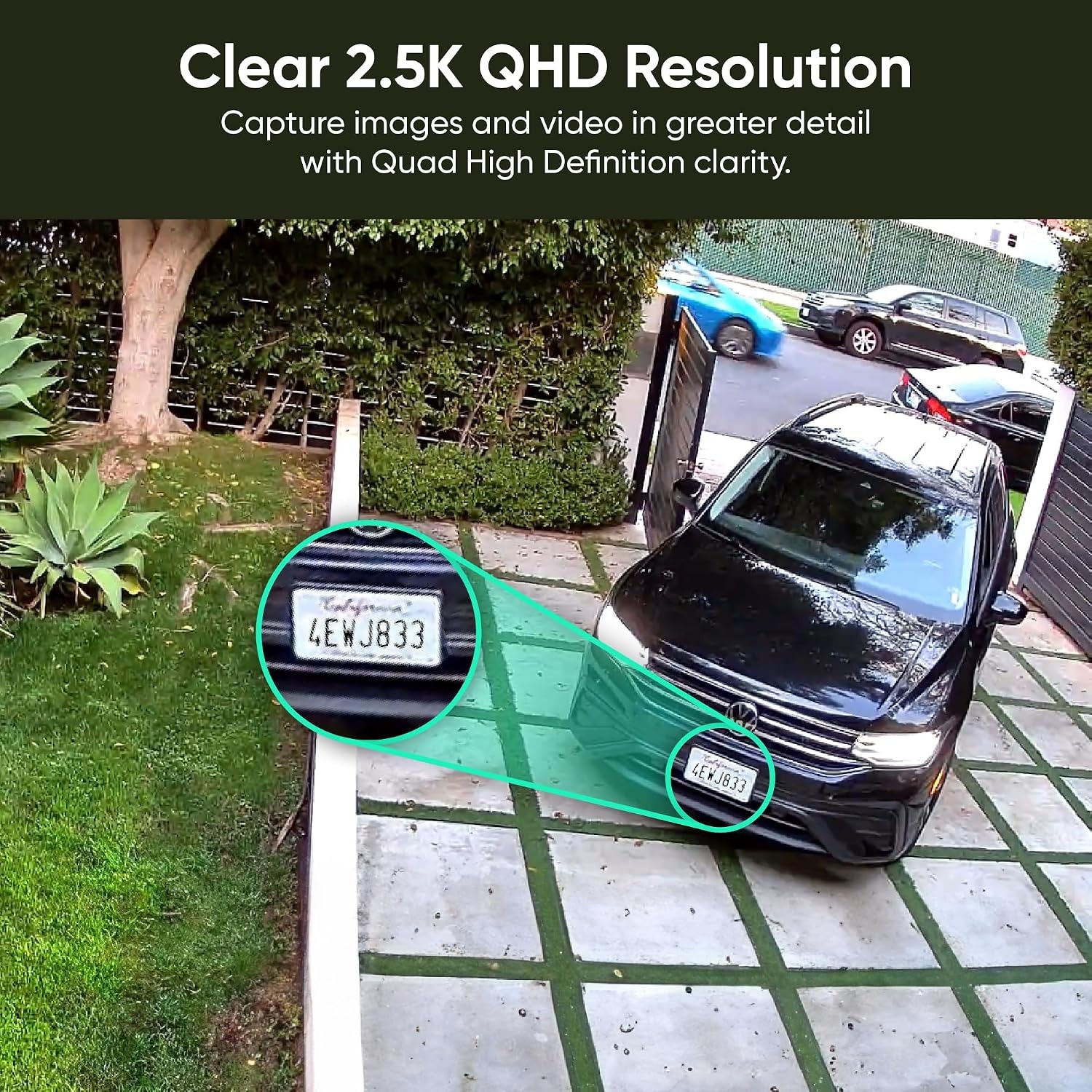
This camera records at 1440 effective resolution with a 4 MP CMOS sensor. Compared to a standard 1080p camera, you get meaningfully more pixels across the same scene.
Why does that matter in practice? Because you almost never watch footage at full frame. You find the moment, then you zoom in. The camera uses digital zoom, which means it crops into the image it already captured. With a lower resolution sensor, that crop falls apart into mush. With 2K, there is more detail to crop into, so a face at six metres stays a face rather than becoming a smear.
The viewing angle is 120 degrees. That is a sensible middle ground. Very wide lenses stretch everything at the edges and push subjects further away in the frame. A 120 degree view covers a normal room, a front entry, a single driveway lane or a garden path without distorting what you are looking at.
Night vision that keeps the colour
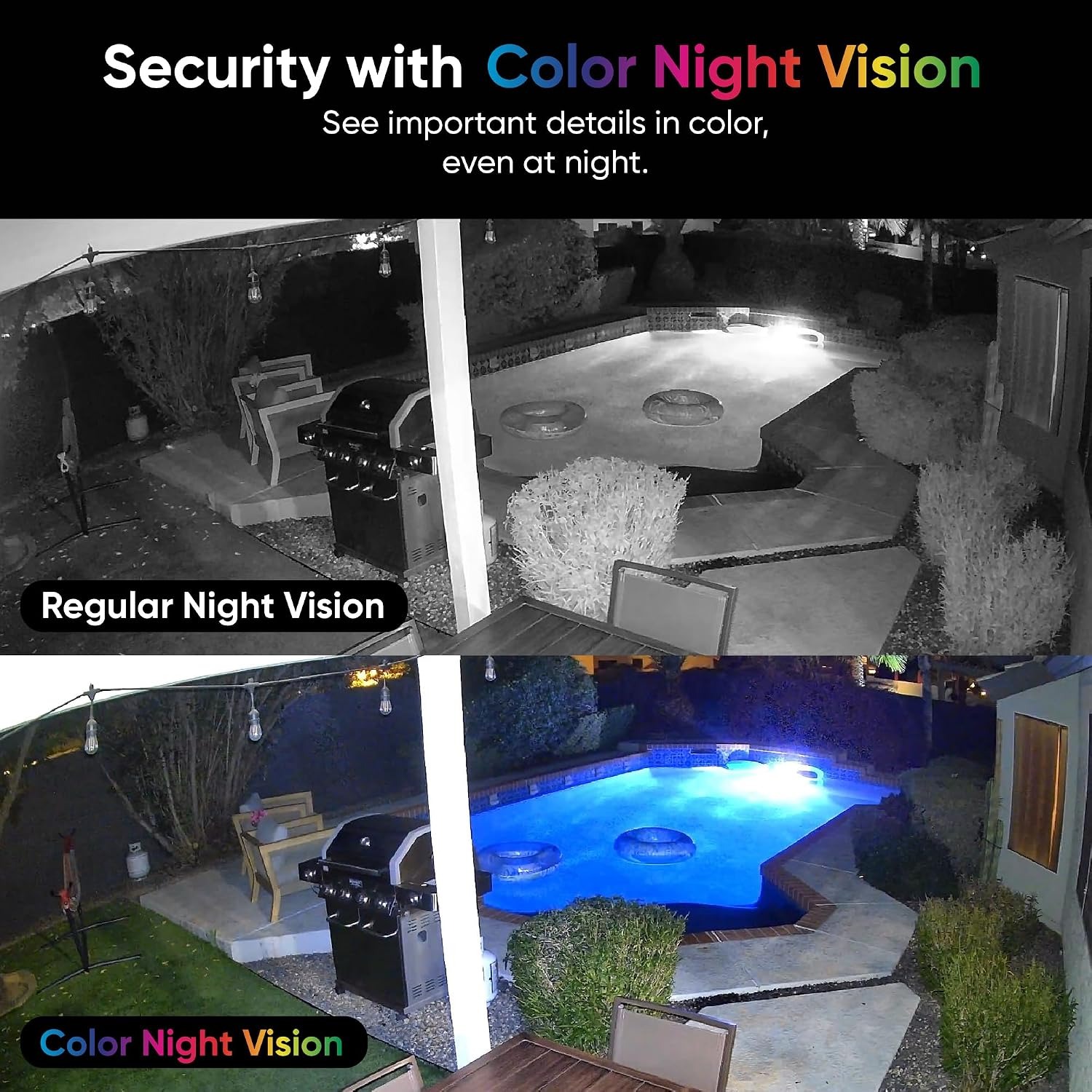
Dark is where most cameras quietly give up. Standard infrared night vision strips out colour and leaves you with a flat grey picture. Everyone wears the same jacket. Every car is the same shade. You know someone walked past. You learn nothing else.
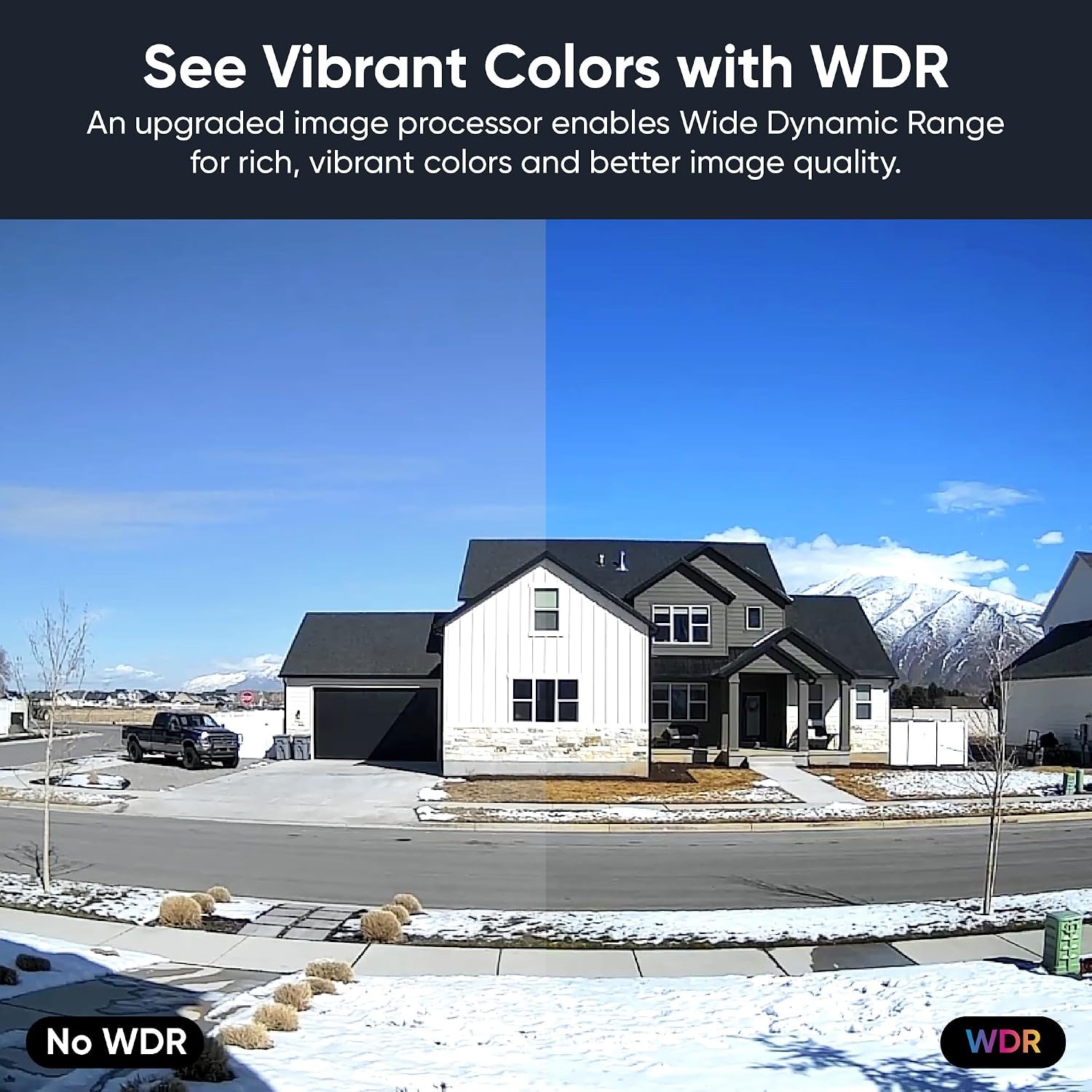
This camera uses enhanced colour night vision, so low-light footage keeps detail and colour. For anyone comparing options for the best night vision camera, that is the spec worth paying attention to, because most incidents happen when it is dark.
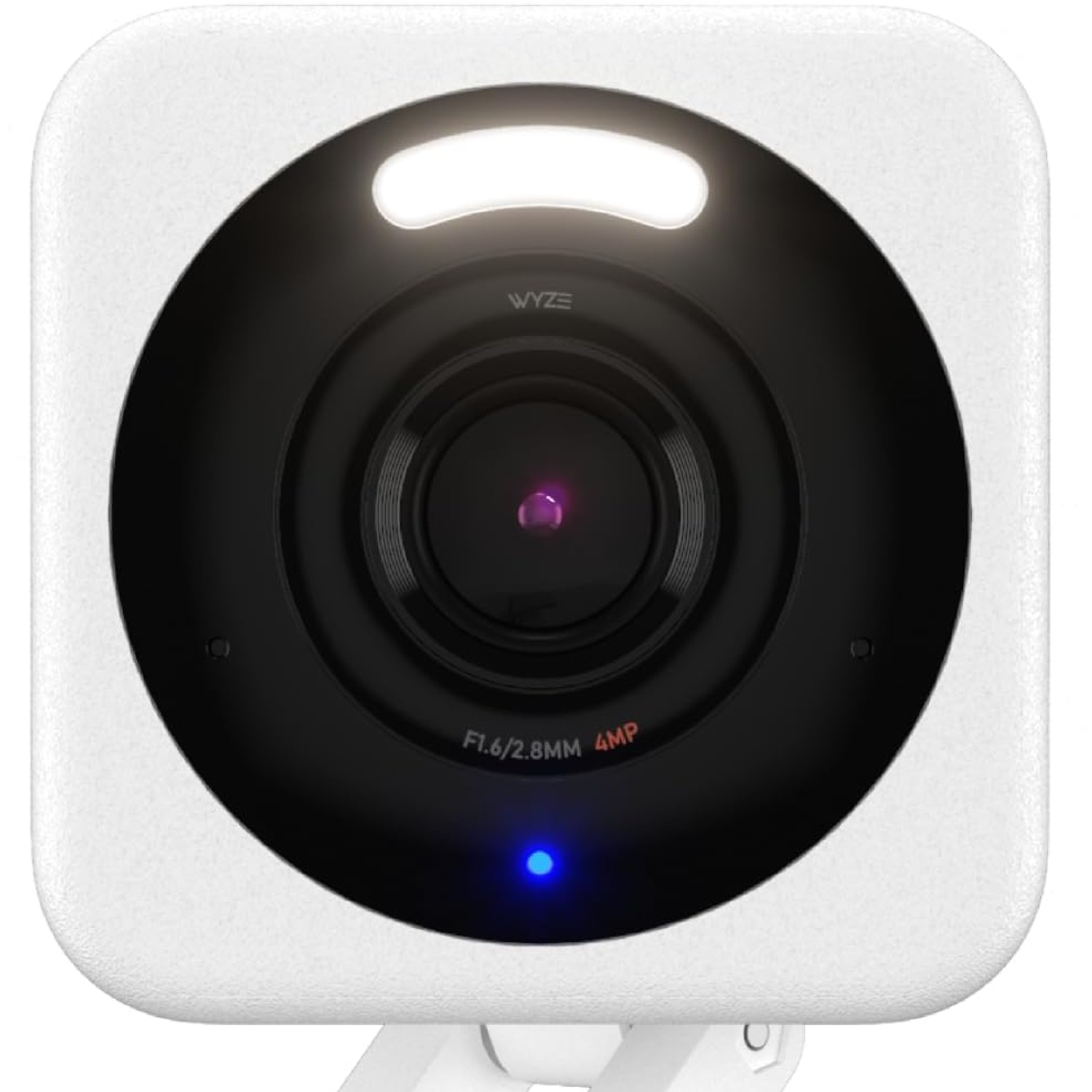
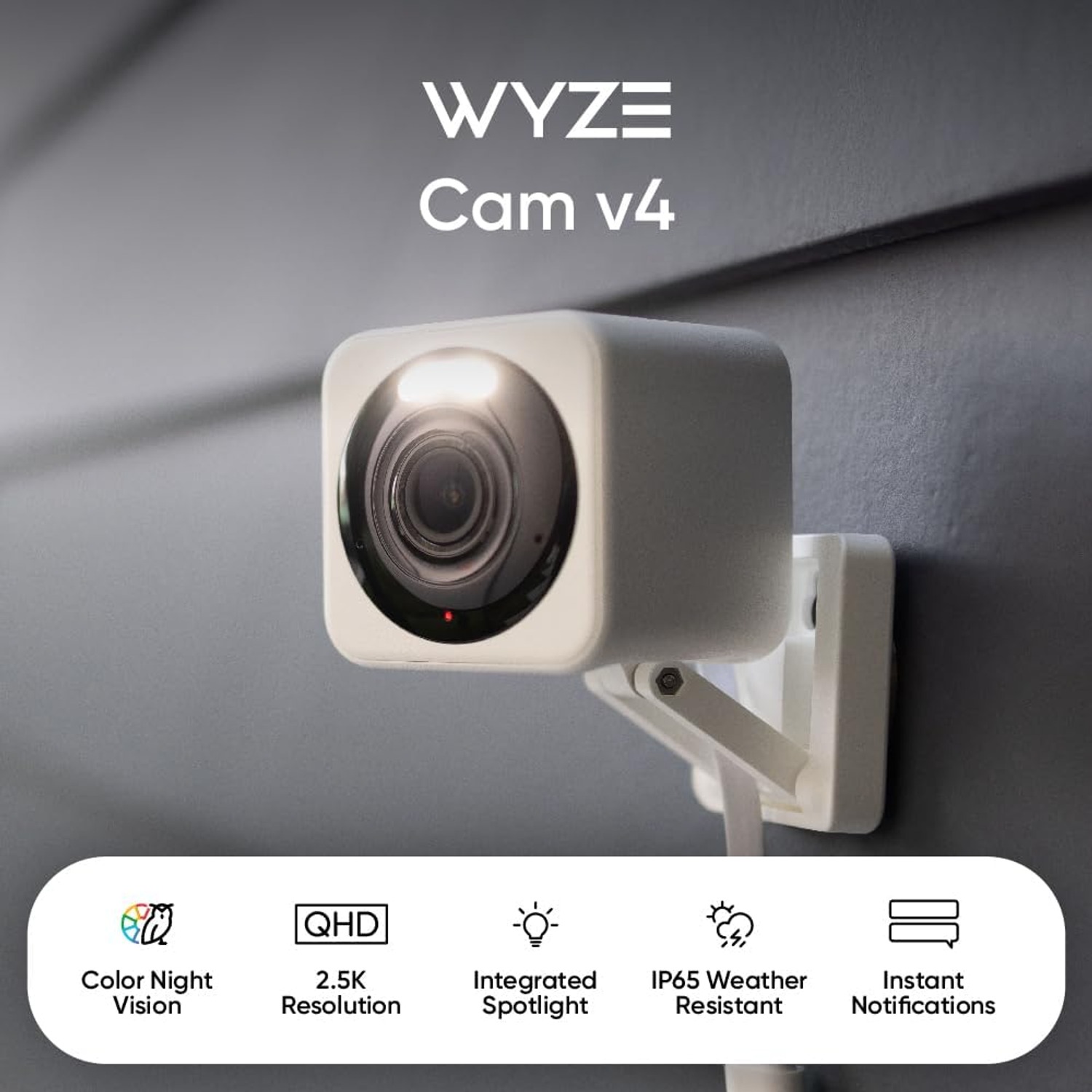
The motion-activated spotlight helps here too. When movement is detected, the LED light comes on. That does two useful things at once. It lights the subject, so the recording improves. And it tells whoever is there that they have been seen, which is often enough on its own.
Light, voice and siren as a deterrent
The camera pairs the spotlight with a voice warning and a built-in siren. Think of these as three levels of response.
Light alone handles the majority of situations, because most unwanted visitors are opportunists checking whether a place is easy. A lit-up carport with an obvious camera is not easy. The voice warning adds a human element, which is noticeably more unsettling than a silent light. The siren is the loud option, best saved for when you genuinely want to make noise.
Use the siren sparingly. If it goes off every time a possum crosses the lawn, neighbours stop reacting to it and so does the household.
Indoor, outdoor, or both
The housing carries an IP65 rating. That covers dust ingress and water jets from any angle, which in everyday terms means rain and hose spray are fine but submersion is not.
That rating opens up where you can put it. Common spots include:
Under an eave facing the front door, which is the classic setup for anyone looking for the best camera for front door coverage and parcel monitoring.
In a garage or workshop, where tools live and where dust would bother a lesser enclosure. The colour night vision earns its keep in a building with no windows.
Inside a hallway or living room. The camera is only 5.1 x 5.1 x 5.8 cm and weighs 222 g, so it genuinely fits on a shelf or in a ceiling corner without dominating the room. People hunting for the best small security camera often end up here.
Facing a driveway or side gate, where the 2K detail helps with vehicles and the spotlight covers a dark approach.
Power, Wi-Fi and the practical bits
This is a corded camera running on 5 volts. It is not battery powered, so the mounting spot has to be within reach of an outlet. Work that out before you drill anything. Plenty of people pick a perfect-looking position and then discover the nearest power point is on the other side of the house.
Setup runs over Bluetooth for pairing and Wi-Fi for everything after. Connect power, pair from your phone, join your network, then mount it. Doing the pairing at the kitchen table before you climb a ladder saves a lot of frustration.
Wi-Fi signal strength at the mounting point matters more than your internet plan. Stand where the camera will go and check the bars on your phone. If it is marginal there, it will be worse for a small camera behind a brick wall. Moving the router, adding a mesh point or shifting the camera a metre closer usually fixes it.
Viewing works from desktop, smartphone and tablet, so you can glance at a live view on your phone during the day and review longer clips on a bigger screen later.
Storage you keep in the house
Footage records locally to a microSD card, with support for cards up to 512 GB. That appeals to people who want the recordings sitting in their own home rather than somewhere else.
Card size is a trade-off between cost and how far back you can look. A 64 GB or 128 GB card is plenty for most households watching a single area. If you want a longer window before the card loops and overwrites, step up to 256 GB or 512 GB. Buy a card rated for continuous video writing. Standard photo cards wear out fast under constant recording.
Placement tips that actually matter
Mount high enough that nobody can casually knock it, but angle it down so you capture faces rather than the tops of heads. Around head height plus a metre is a good starting point for an entry.
Keep the sun behind the camera where you can. A lens pointed into the afternoon sun will wash out at exactly the wrong time of day.
Narrow the field to the space you care about. A camera staring at a busy road triggers constantly and buries the one clip you need under a hundred you do not. For anyone setting up what they hope is the best driveway camera angle, frame the driveway and gate, not the street beyond it.
Clean the lens. Dust and cobwebs sit close to the lens and catch the spotlight at night, which produces a storm of false alerts. A quick wipe every month or two solves it.
Care and upkeep
Wipe the lens and housing with a soft dry cloth. Skip solvents and abrasive cleaners, and never pressure wash it. Keep the power connection dry and sheltered, especially outdoors. Check the mount screws a couple of times a year, since heat and wind slowly loosen fixings.
If you are renting, use a mount that does not damage the wall and keep the original packaging. The small footprint is part of why this suits the best wifi camera for renters category, since the whole thing packs down into a shoebox when you move.
The short version
If the footage from your current camera is too dark or too soft to be useful, resolution and night vision are the two specs to fix. This camera handles both with 2K capture at 1440 resolution and enhanced colour night vision, then adds a spotlight, voice warning and siren so you can respond rather than just watch.
IP65 weather resistance means you can put it indoors or under cover outside. Local recording to a microSD card up to 512 GB keeps the footage at home. It is small, wall mounted, runs on corded 5 volt power, and sets up from a phone in about fifteen minutes.
Pick your spot based on power and Wi-Fi first, angle it so you see faces, and buy a decent memory card. Do those three things and you will end up with footage that answers the question instead of raising more.