

The complete guide
Choosing a Kids Camera for Ages 3 to 12, A Parent's Buying Guide
The problem with handing over your phone
Every parent knows the moment. A child spots something interesting, a dog in a funny hat, a cloud shaped like a dragon, and the hand goes out for your phone. You hand it over because the moment is sweet. Ten minutes later you have 300 photos of a thumb, your messages are open, and a stranger has been nearly dialled.
A kids camera for ages 3 to 12 fixes all of that in one go. It gives a child a device that is entirely theirs, with its own screen, battery and storage. Nothing they do on it can cost you money, delete your holiday album or expose them to anything online. If they drop it, you wince for a second rather than for a week.
There is something else going on too. Children see the world lower down and closer up than adults do. Give them a camera and you get a genuinely different set of photos, the underside of a table, a beetle on a leaf, a sibling mid-shriek. That record of how your child actually saw their childhood is worth more than the technical quality of any individual shot.
How this camera works
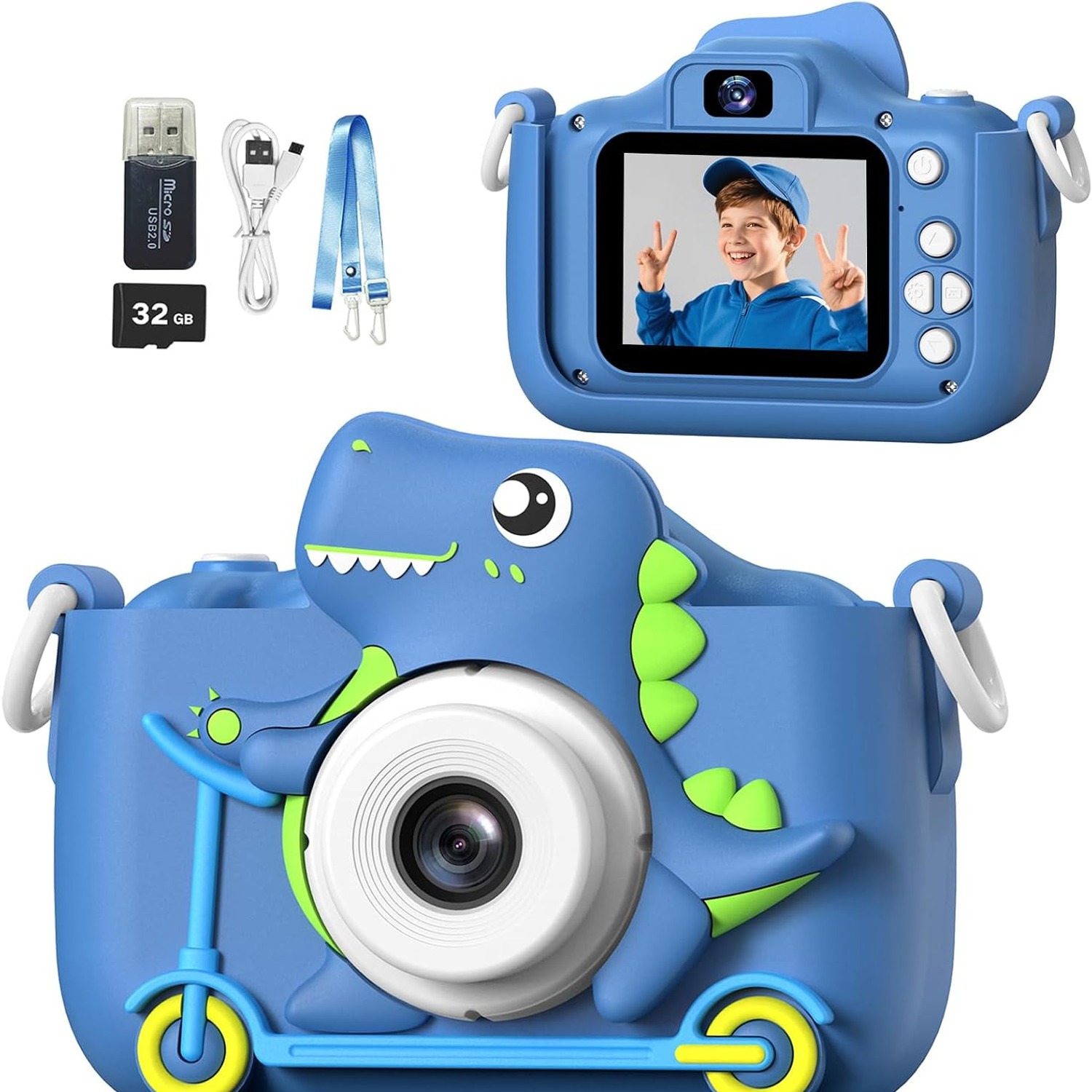
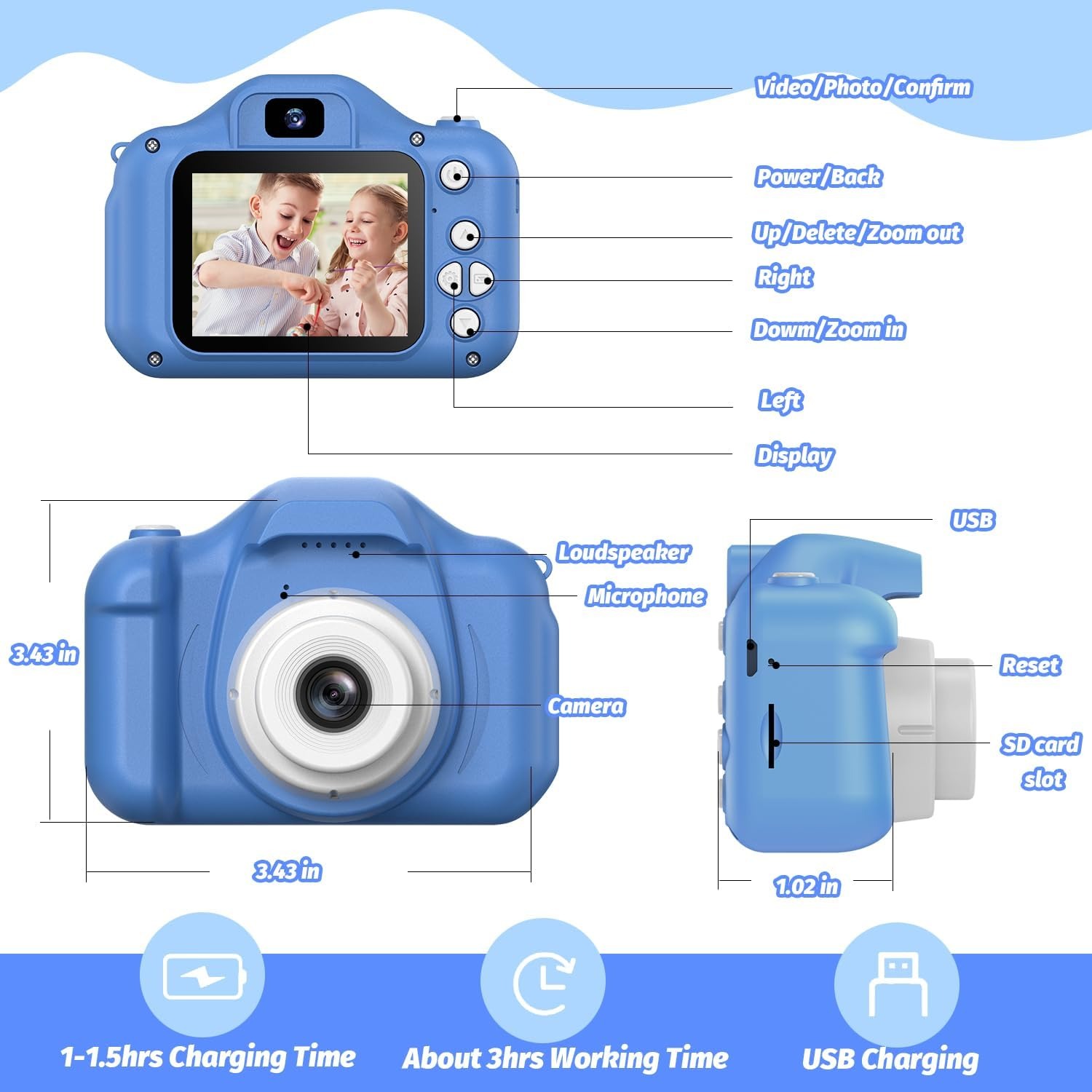
The design is deliberately simple. There is a 2 inch fixed LCD screen on the back, a lens on the front and a second lens facing the child for selfies. Both are listed at 48 MP effective still resolution. Press the shutter and you get a photo. Switch modes and you get 1080p video saved as MP4, which is the file type that plays on basically everything without hunting for a player.
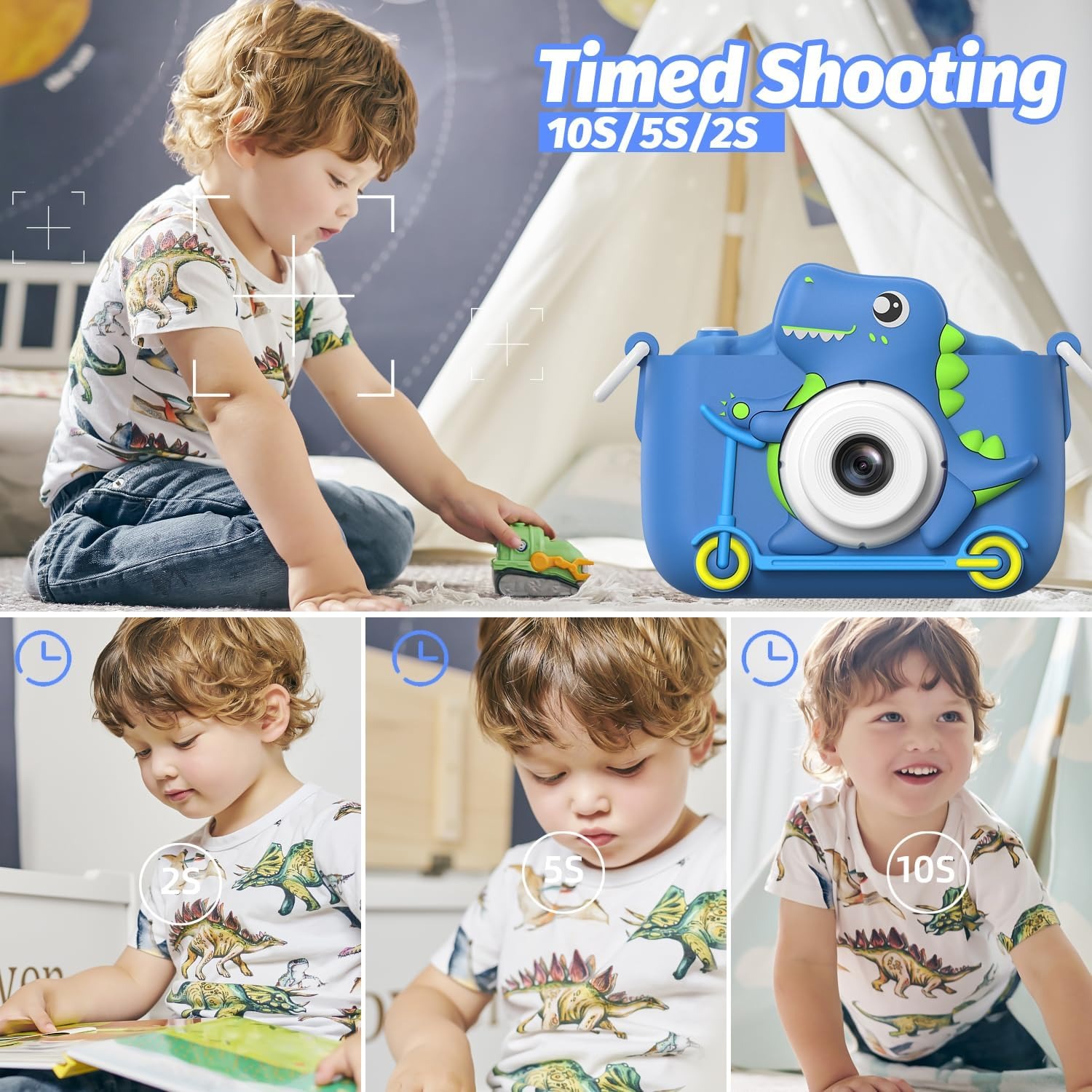
Around that core sit the features children actually ask for. There are 28 cartoon frames to drop around a shot, six colour filters, mirror effects, burst recording for action, a self-timer for group shots and a time-lapse mode for watching a sunset or a Lego build compress into a few seconds. An 8x digital zoom is controlled by holding the up or down key.
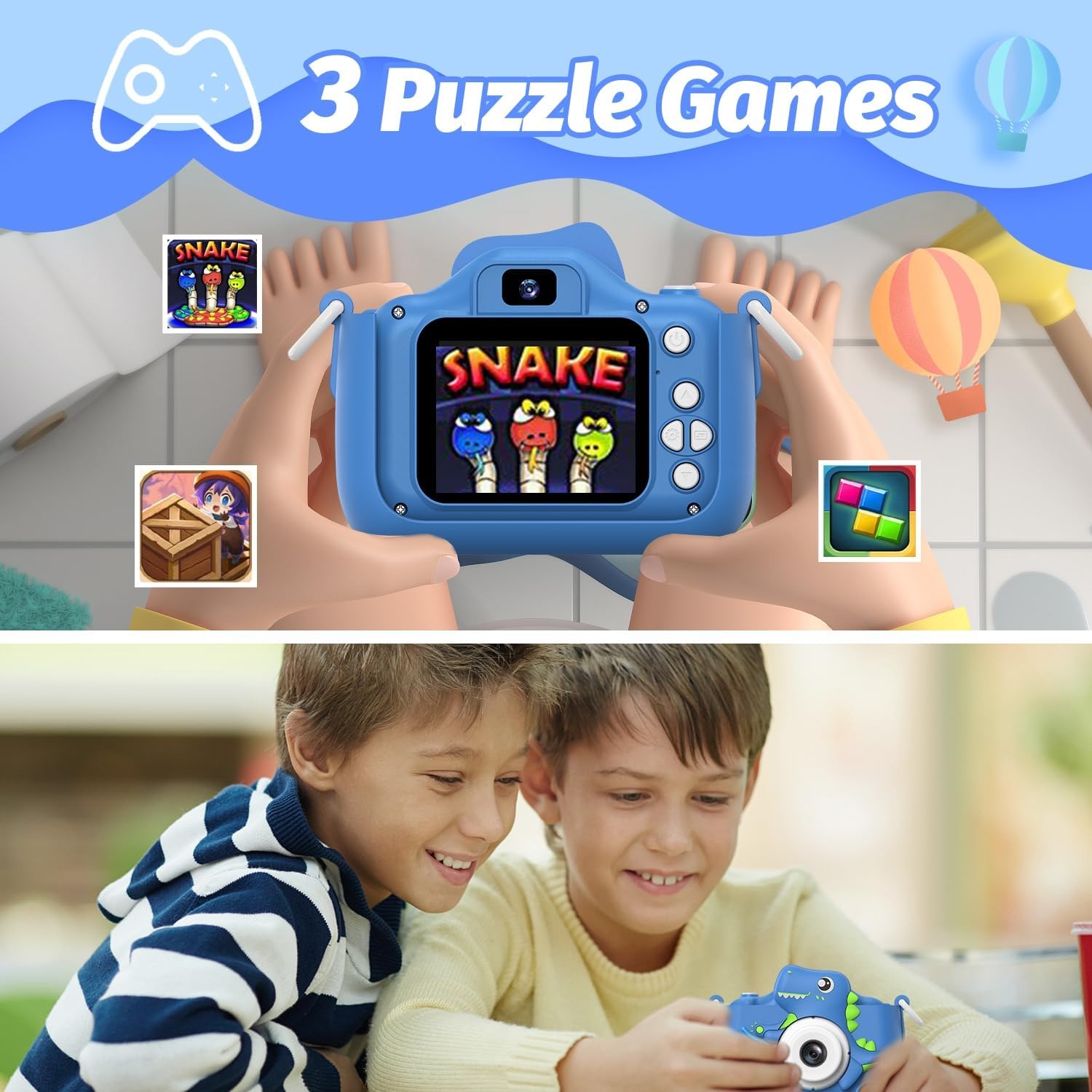
Three puzzle games are built in. Some parents see games on a camera as a distraction, and that is fair, but in practice they earn their place on a long drive or in a doctor's waiting room. They are short, simple reaction and logic games rather than anything that swallows an afternoon.
The storage question is already answered. A 32GB Micro SD card arrives installed in the camera, and a card reader is in the box so the photos can move to a computer. Power comes from a built-in lithium ion battery that averages around two hours of use per charge and tops up over USB. If the camera is left sitting, automatic shut-off steps in to save charge.
Who it suits
The sweet spot is a child somewhere between three and twelve, which is a wide bracket because different ages use it in different ways.
A three or four year old mostly wants to press the button and see something appear on the screen. They will take a lot of photos of the floor and that is fine. At 0.19 kg with a lanyard and protective case, the camera is light enough and tough enough to survive that stage.
A six to eight year old starts composing. They will find the filters and frames quickly and work through all 28 of them in an afternoon. This is usually when video takes over and you end up with ten minutes of narrated tour of the back garden.
A nine to twelve year old uses it more like a real camera. Zoom, burst mode and time-lapse get proper use, and some children start thinking about where to stand and what light looks like. For a child heading towards a serious interest in photography, this is a sensible place to start before spending more.
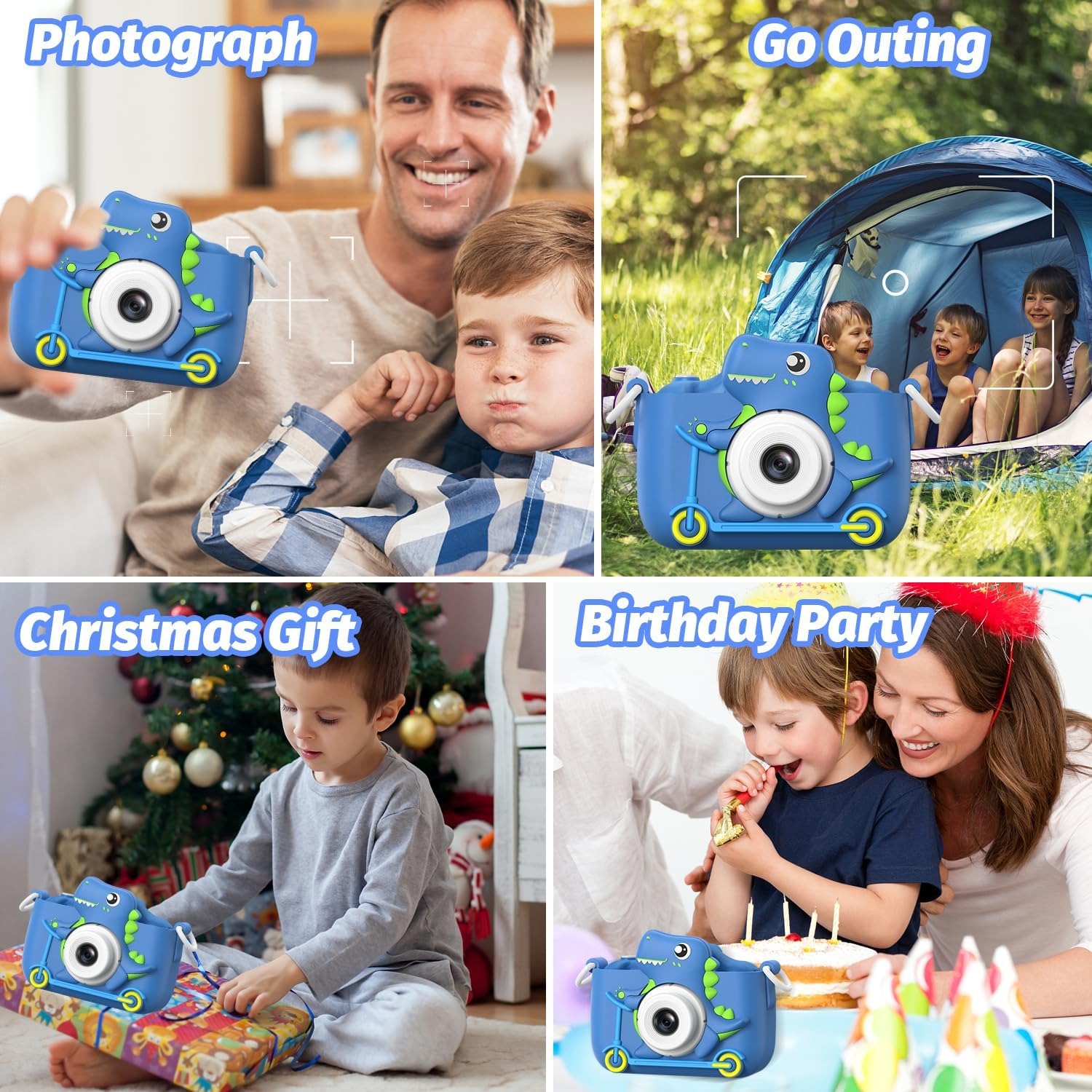
It also suits travelling families, grandparents looking for a gift that gets used, and anyone who wants their child to have a camera without a screen full of apps attached.
How to choose a kids camera
A few things separate a camera that gets used from one that ends up in a drawer.
Start with whether storage is included. A camera that needs a memory card bought separately is a camera that sits unopened on a birthday morning. The best kids camera with 32GB SD card options arrive ready, and this one does.
Look at how it charges. A built-in rechargeable battery that takes a USB cable is far more practical than a device eating AAA batteries every weekend. Around two hours of shooting per charge covers a day out with room to spare.
Check the screen. Two inches sounds small next to a phone, but for a child framing a shot it is enough, and a smaller screen means a smaller, lighter camera that little hands can actually hold steady.
Think about protection. A protective case and a lanyard are not accessories on a children's camera, they are the difference between a device that lasts a year and one that lasts a fortnight. The dinosaur-blue case here is made for that job.
Finally, consider whether the extras match your child. Filters, frames and games add play value for younger children. If you are shopping for a twelve year old who wants to be a photographer, they may care more about the zoom and burst mode than the cartoon stickers.
Looking after it
None of this is complicated, but a bit of care doubles the life of a kids camera.
Keep the case on. It is tempting to take it off because the camera looks sleeker without it, but the case is doing real work every time the camera slides off a chair.
Wipe the body and screen with a dry or just-damp soft cloth. No sprays, no kitchen cleaners, nothing abrasive. Fingerprints on a child's camera are a permanent condition, so a quick wipe before storing it is enough.
Keep it away from water, sand and heat. Beach trips are fine with sensible supervision, but sand in a button is very hard to get out and salt water ends things fast.
Charge it with the supplied cable and unplug when it is full. Try not to leave the battery flat for weeks at a time, the same advice you would give for a phone.
When the card fills up, copy everything to a computer before deleting. Those early photos get more charming as the years pass, not less, so it is worth keeping a folder on a hard drive or in cloud storage.
A note on what to expect from the photos
Honest expectations help. The sensor here is smaller than 1/4 inch, which is standard for a camera this size. In good daylight you get bright, clear snapshots that look great on a screen and print fine at small sizes. In dim indoor light, photos will be softer and noisier, as they would be on any small-sensor camera. Digital zoom crops into the image, so the further you zoom the softer the result.
None of that matters much to the person using it. Children judge a photo by whether it captured the thing they were excited about, and on that measure this camera does its job.
The short version
If you want your child to stop borrowing your phone and start making their own pictures, this is a sensible place to land. You get dual 48 MP lenses, 1080p MP4 video, an 8x digital zoom, a 2 inch LCD screen, filters, frames, burst and time-lapse modes, three puzzle games, a 32GB card already installed, a card reader, a rechargeable battery good for around two hours, and a dinosaur-blue protective case with a lanyard.
It weighs 0.19 kg, works without a phone or an app, and is ready to use once it has charged. For a birthday, a holiday or just a wet weekend that needs a project, it is an easy gift to get right.