
The complete guide
How to Choose and Set Up a Solar PTZ Outdoor Camera
The problem with the spot that needs watching
There is a pattern to home security that almost everyone discovers the same way. You decide to put up a camera. You look around the house, pick the spot that genuinely matters, the back gate, the side path, the shed where the tools live, and then you realise there is no power point within twenty metres.
So the plan shrinks. The camera goes above the front door instead, because that is where the porch light is. It watches the one part of the property that was never the problem.
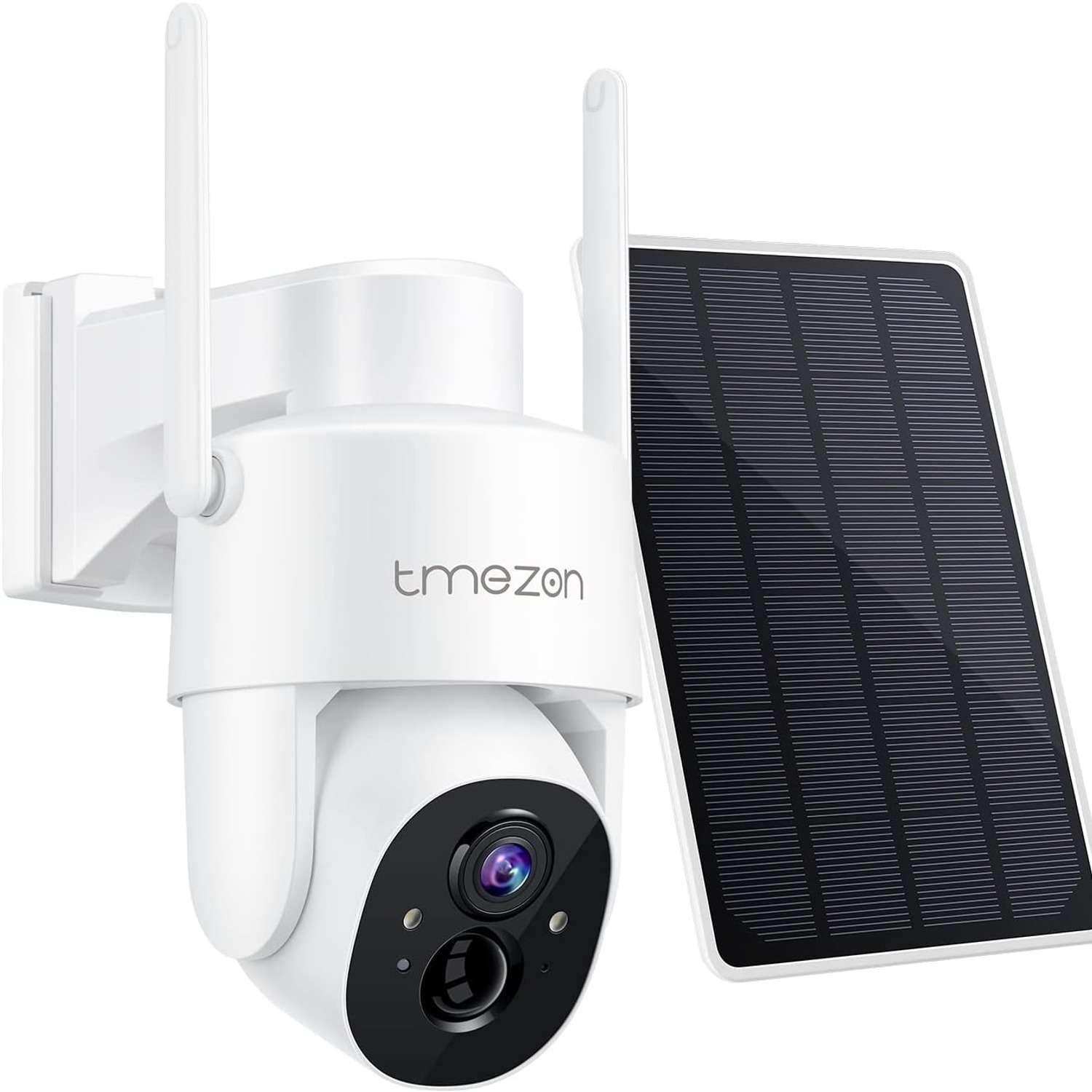
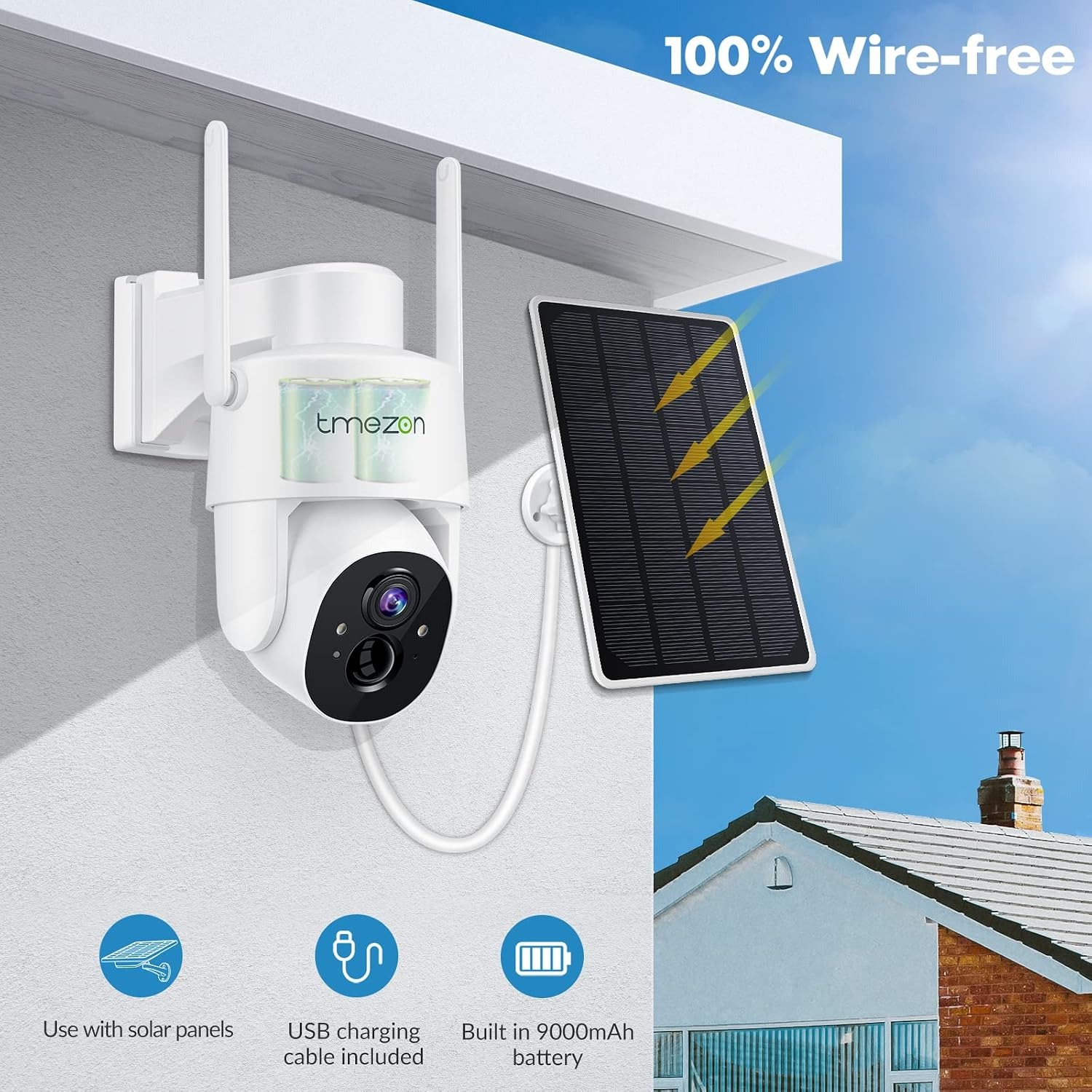
A solar PTZ outdoor camera exists to break that pattern. The panel on top collects daylight, the battery stores it, and the camera runs off that. Your only remaining constraint is Wi-Fi signal, which is a much easier problem to solve than running armoured cable across a lawn.
How the solar and battery side actually works
The panel does not power the camera directly. It charges a rechargeable battery inside the unit, and the battery does the work. That buffer is what lets the camera keep running at night and through a few grey days.
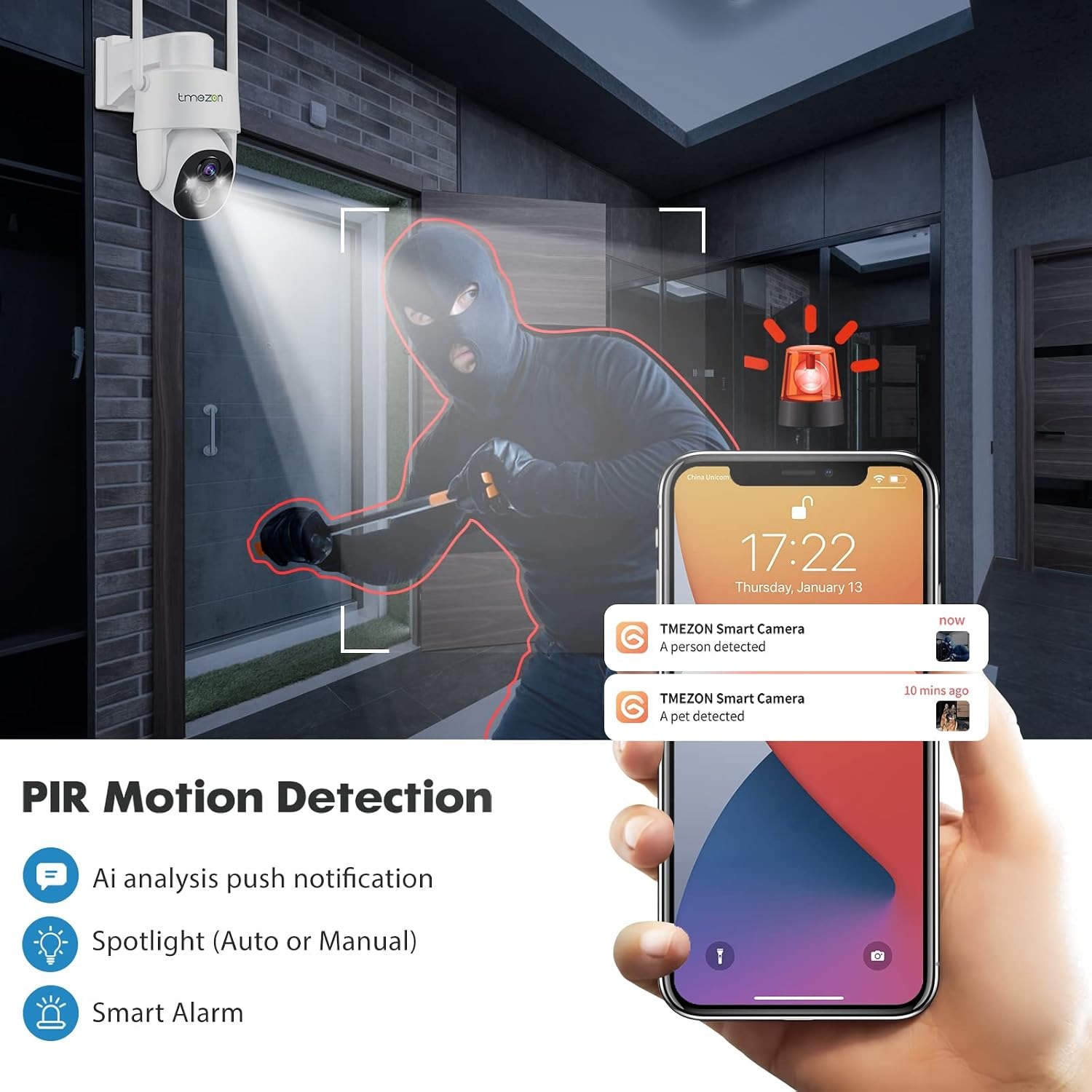
The balance only holds if the camera is not drawing power constantly. That is why this model records on motion detection rather than filming continuously. The listing says so plainly. A PIR sensor sits in standby, watching for heat movement. When something crosses in front of it, the camera wakes, records a clip, sends an alert, and goes quiet again.
Some people hear "not 24/7" and assume that is a compromise. In practice it is usually an improvement. Nobody scrubs through fourteen hours of an empty carport. You want the ninety seconds where something happened, and that is what you get.
The trade-off is real though, and worth knowing. A motion camera can miss the very start of an event while it wakes up, and it will not capture something that happens outside the sensor's detection zone. If you need unbroken footage of a till or a loading bay, a mains-powered recorder is the right tool. For a house, a shed, a yard or a driveway, motion recording is the sensible choice.
Why pan and tilt changes the maths
A fixed camera sees one wedge of the world. If someone comes in from an angle you did not anticipate, you get a shoulder and nothing else.
This unit has a motorised head listed at a 360 degree field of view. You open the app and steer it. On a corner block, that means one camera can check the front gate, then the side fence, then the back shed, all from the couch. On a long driveway, you can follow a vehicle rather than watch it leave the frame.
For a lot of properties, one pan and tilt camera replaces two or three fixed ones. Fewer mounting points, fewer things to clean, fewer batteries to think about. It is often the better value choice even though the unit itself costs more than a basic fixed camera.
One honest caveat. A PTZ camera only looks where it is currently pointed. The motion sensor still watches its zone, but if you have manually swung the lens to face the back fence, the front path is not being recorded at that moment. Most people leave the camera in a default home position and only move it when they want a closer look.
What the image will actually give you
The sensor is 3MP CMOS, recording MP4. In daylight that is genuinely useful detail. You can tell a courier from a stranger, read a shirt colour, see whether someone is carrying something that was not theirs.
What 3MP will not do is turn a figure at sixty metres into a court-usable identification. No consumer camera will. Detail is a function of how many pixels land on the subject's face, and that comes down to distance far more than sensor rating.
This is where mounting height and angle do more work than any spec sheet. Mount around 2.5 to 3 metres up. High enough to be out of casual reach, low enough that a person walking past is still looking roughly toward the lens rather than showing you the top of their head. Aim along a path, not across it, so an approaching person stays in frame for several seconds instead of crossing in half a second.
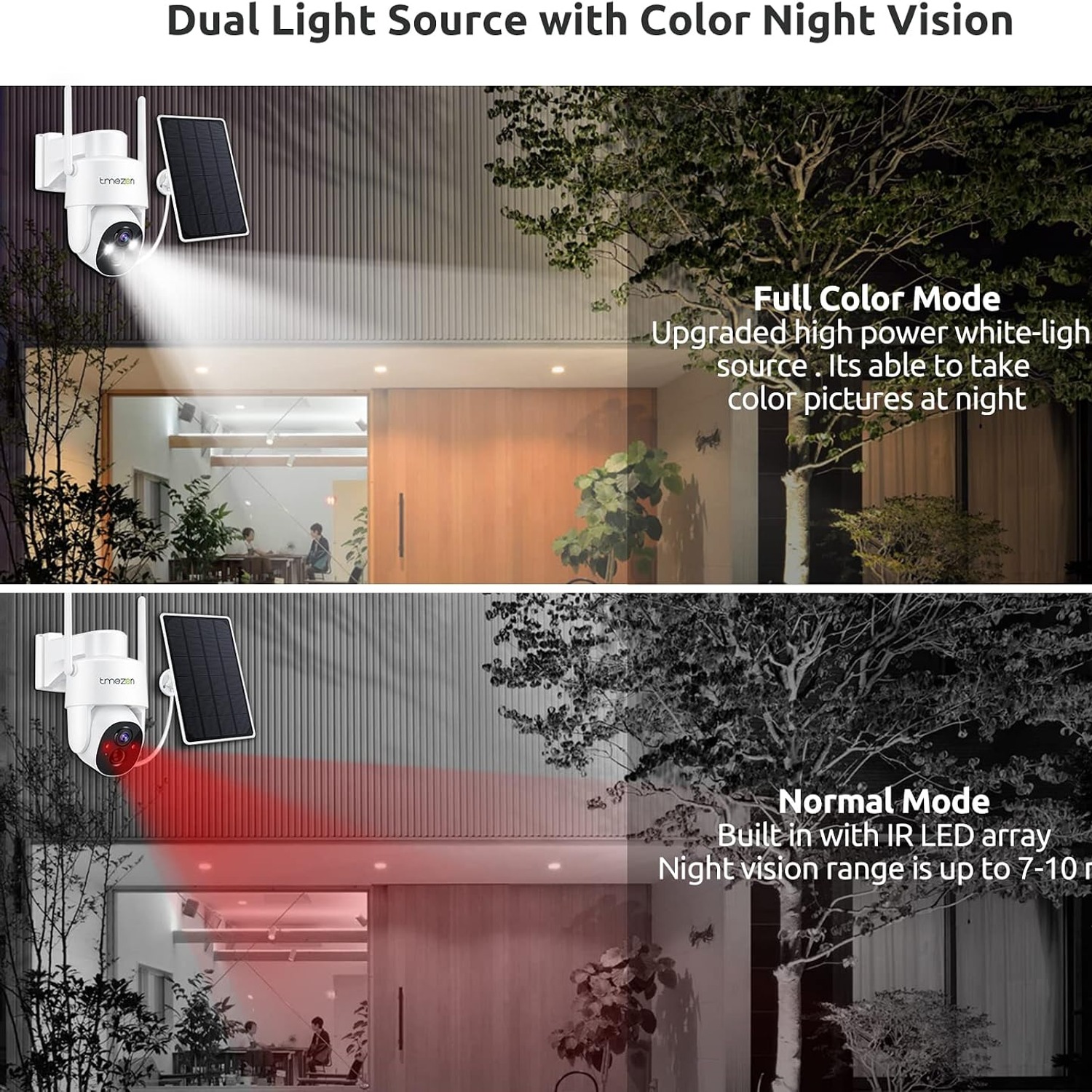
Night vision runs on infrared. The image goes black and white, which is normal. Infrared bounces off nearby surfaces, so a pale wall or a light concrete path will read beautifully while a dark hedge swallows the light. If your night footage looks disappointing, the fix is usually repositioning, not replacing the camera.
Zoom on this model is digital. That means cropping and enlarging what the sensor already captured, so pushing in softens the picture. Treat zoom as a convenience for reviewing, not a way to extend the camera's effective range.
Picking the mounting spot
Three things have to line up, and the third one trips people up most often.
Sun on the panel. The panel wants direct daylight for a decent part of the day. A wall facing the equator, so north in Australia and south in Europe, is usually the winner. Watch for the eave above it, the tree that is small now and large in three summers, and the shade that only appears in winter when the sun sits lower.
Signal to the router. Stand where the camera will go, holding your phone, and check your Wi-Fi. If the phone struggles, the camera will too. Most cameras of this type use the 2.4GHz band, which reaches further through walls than 5GHz, so make sure that band is switched on in your router. A mesh node on that side of the house fixes almost every range problem.
A view worth having. This is the one people rush. Before you drill anything, hold the camera roughly where you want it and look at the view through the app. Check what is in frame, what is not, and what will trigger the motion sensor. A camera aimed at a busy footpath or a tree that moves in every breeze will send you alerts all day until you stop reading them.
Weather, mounting and the physical side
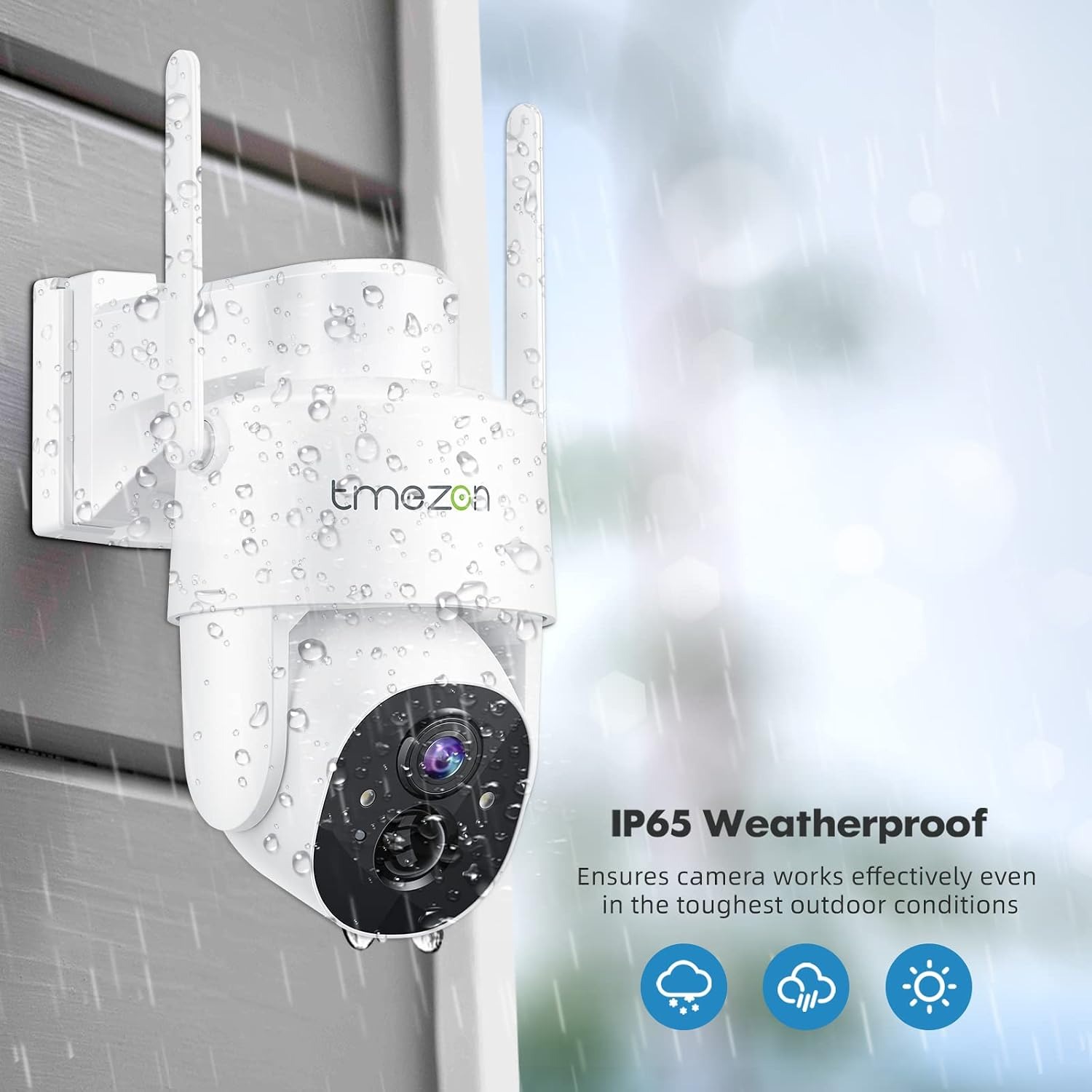
The housing is plastic with an IP65 rating. That covers dust and water spray from any direction, which is the right level for a wall-mounted outdoor camera. It is not rated for immersion, so do not mount it somewhere that floods or where a sprinkler hits it point-blank every morning.
At 907 g and 20.6 x 18.2 x 13.5 cm, it is a solid but manageable unit. A brick wall with proper masonry plugs, a hardwood post or a sturdy fence rail will all hold it comfortably. What will not hold it is a single thin paling or an unbacked sheet of fibre cement. Add a timber backing block if that is all you have.
The listed figures of 110 V and 5 W relate to the power system rather than anything you plug into a wall socket day to day. The camera is designed to run on its own solar and battery setup.
Keeping it working
Maintenance is light but not zero, and the one job that matters is the panel. Dust, pollen, cobwebs and bird mess all cut charging. Wipe it with a soft damp cloth every few weeks and the camera will keep itself topped up. Skip it for a year and you will be wondering why the battery keeps dying.
Clean the lens gently with a microfibre cloth. No solvents, no paper towel, nothing abrasive.
After a big storm, check the mounting screws and make sure the pan and tilt head still rotates freely. Vines, cobwebs and loose cable ties can all catch the motor.
In a cold climate, expect less from the battery over winter. Short days mean less charging, and cold weather reduces how much charge a battery holds. A manual top-up through the charging port once or twice across winter is normal and not a sign of a fault.
A few details to confirm before you order
the maker's details does not specify the storage arrangement, any subscription terms, battery capacity, colour options beyond white, or country of origin. Cameras in this class generally use a memory card, a cloud service, or both, and often pair a free short-retention tier with paid longer plans. If storage is important to how you want to use the camera, confirm the current arrangement on the supplier listing rather than assuming.
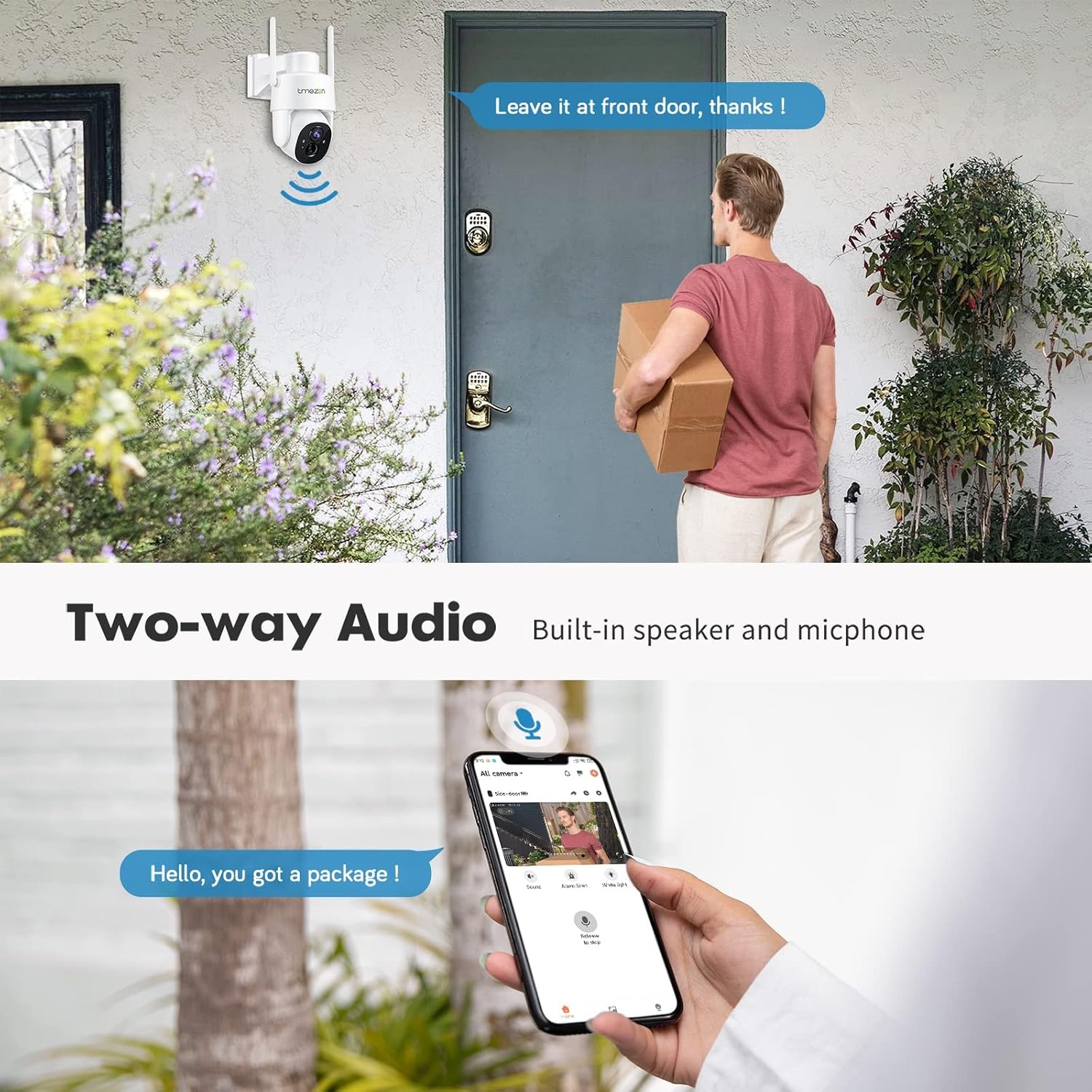
The same goes for app features. The sharing method, alert categories and detection zone controls are set by the companion app, and app features change over time.
The short version
If the part of your property you most want to watch has no power nearby, this solves that. The solar panel and battery remove the cable, Wi-Fi removes the recorder box, and the pan and tilt head means one unit can cover ground that would otherwise need several.
Expect motion-triggered clips, not continuous footage. Expect good daylight detail at sensible distances and monochrome infrared at night. Give it real sun, give it real Wi-Fi, mount it around head-and-a-bit height aimed along the approach rather than across it, and wipe the panel now and then.
Do those things and you get a camera that quietly looks after itself and tells you when something happens. That is most of what people actually want from home security.