

The complete guide
How to Choose a 4K Streaming Webcam That Actually Looks Good
The problem with the camera you already own
Almost every laptop has a camera, and almost every one of them disappoints. The reason is physics, not laziness. A screen bezel is only a few millimetres thick, so the sensor behind it has to be tiny. Tiny sensors gather less light. Less light means noise, muddy colour and a face that looks slightly out of focus even when it is not.
You notice this most in two situations. The first is a window behind you, which turns you into a silhouette. The second is anything you hold up to the camera, which the lens either refuses to focus on or takes several seconds to find. If you are on calls all day, teaching, interviewing or streaming, those small failures add up into an impression you did not choose.
A dedicated 4K streaming webcam fixes the root cause. It puts a bigger sensor, a better lens and a smarter focus system in front of you, and it plugs in over a single USB cable.
What 4K actually buys you
There is a fair question here. If most video calls run at 720P or 1080P, why bother with 4K at all?
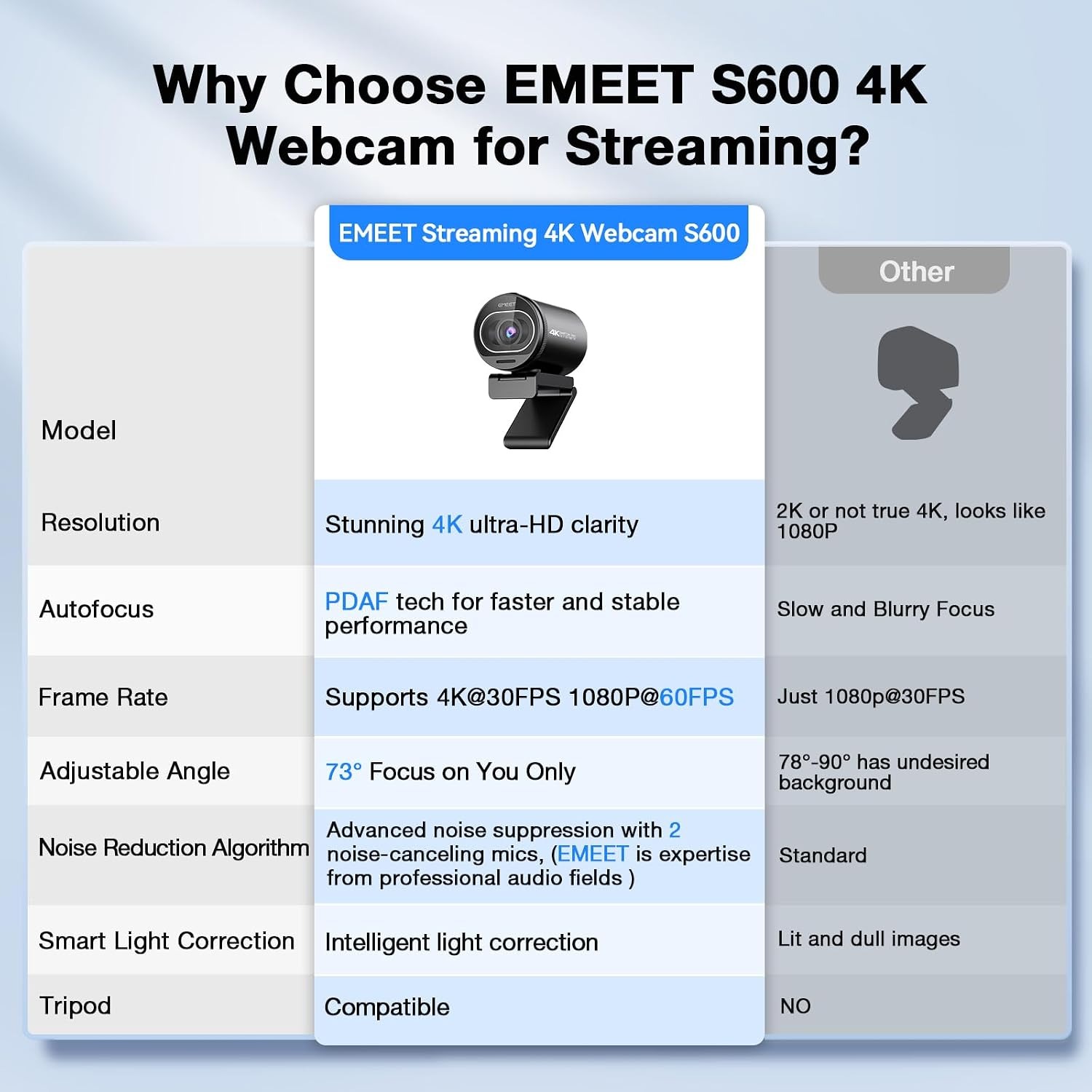
Three reasons. First, platforms compress hard, and a cleaner starting image survives compression better than a noisy one. Second, if you record rather than stream, the file on your drive is genuinely 4K and you can crop into it during editing without the picture falling apart. Third, the hardware needed to produce 4K, which here means a 1/2.5-inch CMOS sensor, improves your 1080P output as well. A larger sensor is a larger sensor whatever resolution you output.
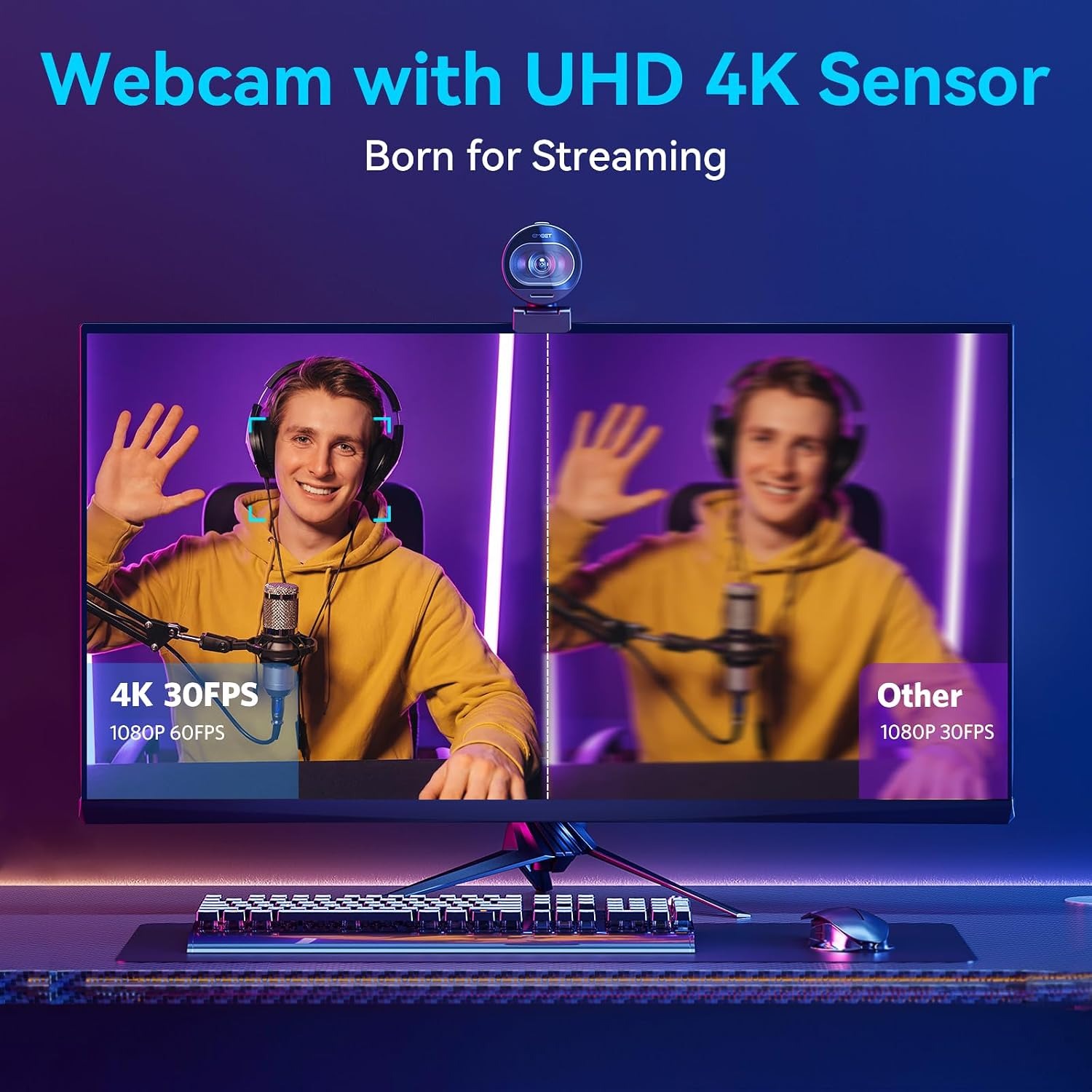
The SmartCam S600 gives you two modes worth knowing. 4K at 30 frames per second is the detail mode. Use it for talking-head video, recorded lessons, demos and anything a viewer might watch on a big screen. 1080P at 60 frames per second is the motion mode. Use it for gaming, exercise content, or any time you move around a lot, because the higher frame rate makes movement read as smooth rather than stuttery.
Neither mode needs a capture card or external power. It is USB in, video out.
Focus is the feature people underestimate
Resolution gets the headlines, but focus is what viewers actually notice. A sharp 1080P image beats a soft 4K one every time.
This camera uses PDAF, phase detection autofocus. The difference from basic contrast-based autofocus is worth understanding. Contrast focus works by trial and error, moving the lens, checking if the image got sharper, moving again. That is the back-and-forth hunting you see on cheap cameras when someone walks into frame. Phase detection works out how far away the subject is and moves the lens straight to the right spot in one go.
In practice, that means you can lean forward to read something, sit back, or hold a product up to the lens and stay sharp through all of it. For anyone doing live demonstrations, this is the single biggest quality-of-life improvement over a laptop camera.
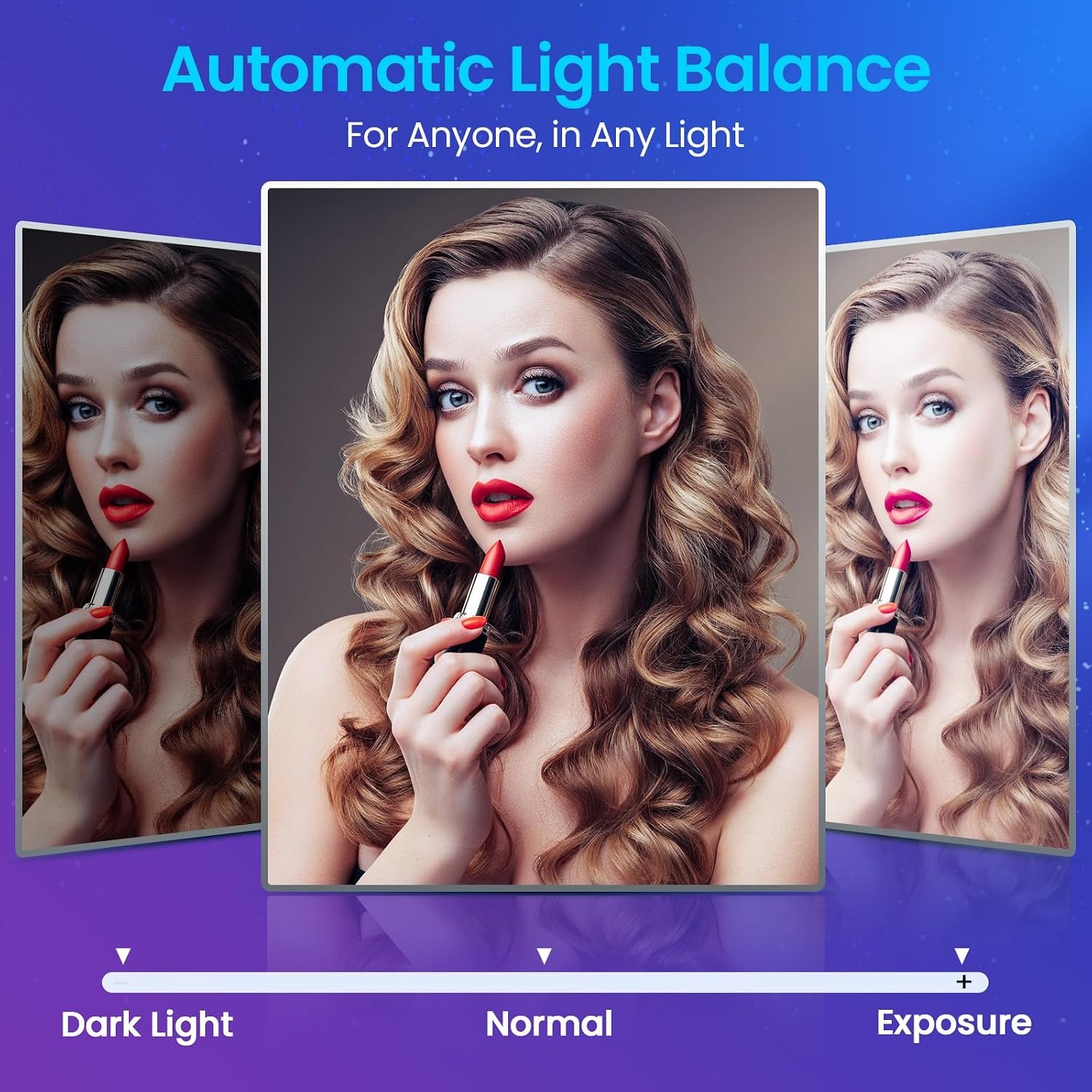
Alongside focus, there is automatic light adjustment. It balances bright areas against dark ones, which helps when your room has mixed lighting, a lamp on one side and a window on the other. It will not replace decent lighting, but it stops the camera from giving up when conditions are uneven.
Sound matters more than picture
Here is something broadcasters have known for decades. An audience will tolerate a mediocre picture far longer than it will tolerate bad audio. Hiss, echo and background noise make people switch off.
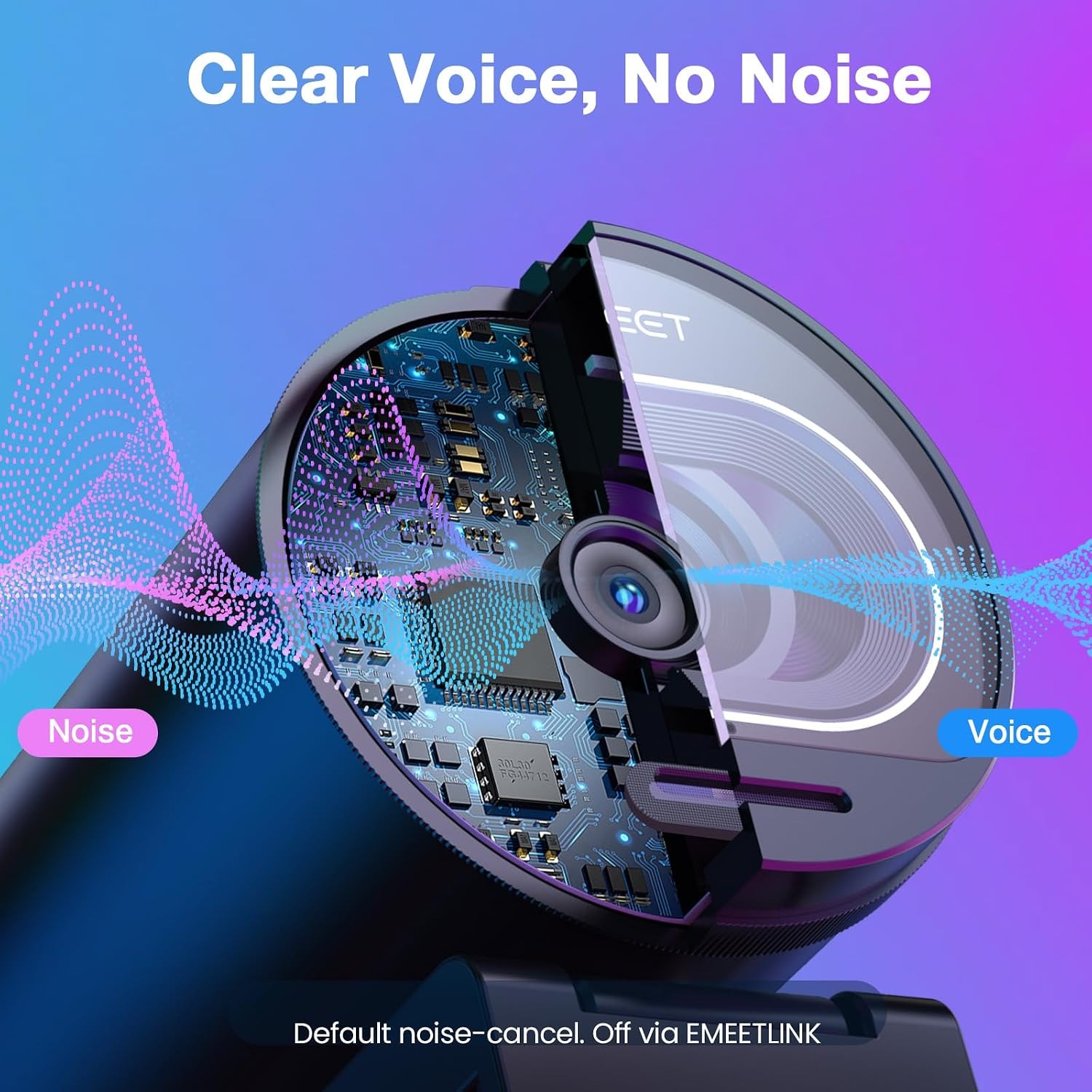
The S600 has two microphones built in, with a filtering algorithm that works to separate your voice from steady background noise. Fans, air conditioning, distant traffic and keyboard clatter get reduced, your voice comes through. This is on by default.
Some people want the opposite. If you are recording music, capturing a room, or you simply prefer unprocessed sound, you can turn the noise cancelling off through the EMEETLINK software. That flexibility is useful, and not every webcam with a noise cancelling mic offers it.
The practical upshot is that you may not need a headset at all. One cable gives you camera and microphone, which is a cleaner desk and one fewer thing to charge.
Privacy, mounting and the small stuff
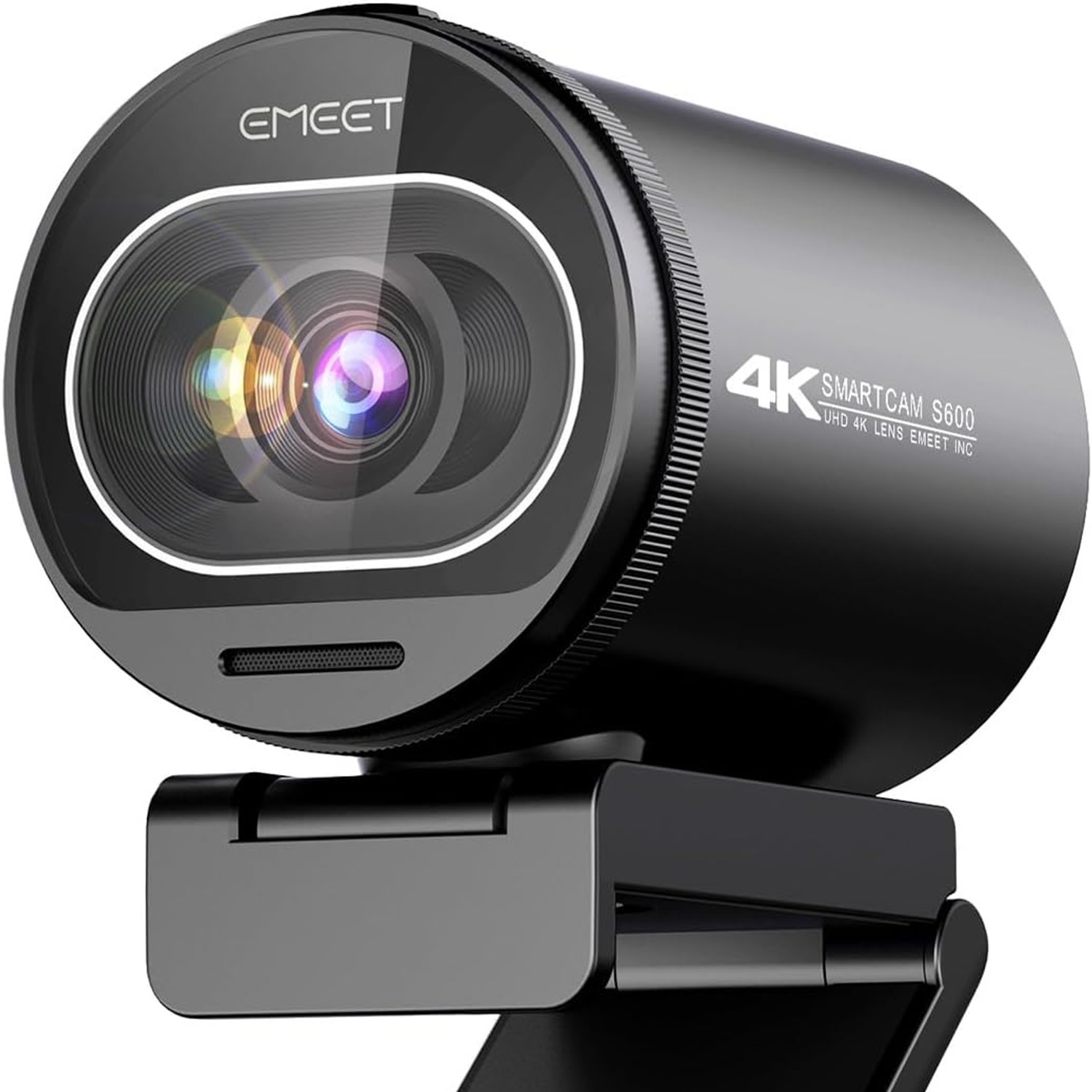
The privacy cover is built into the camera housing rather than being a loose plastic clip. That matters more than it sounds. Clip-on covers fall off, get lost in bags, and sometimes sit badly enough to appear in the corner of your frame. A cover that slides on rails stays where you put it, and sliding it across is a physical guarantee that the lens is blocked. No software setting can make that claim.
The mount tilts and rotates, so you can aim the camera at your face, angle it down at a desk surface, or point it at a workbench if you are filming something you are building. At 100 g it is light enough not to unbalance a laptop lid.
One setup note from the manufacturer is worth repeating. Plug the camera directly into a USB port on your computer. Hubs, dongles and docking stations share bandwidth and can cause the camera to be recognised inconsistently or drop resolution. If you only have one free port, it is still worth using it for this.
Who this suits, and who it does not
This is a strong fit if you spend real time on camera. Remote workers on daily calls, teachers running online classes, streamers building an audience, consultants doing client sessions, and anyone recording product or tutorial video will all notice the upgrade immediately.
It is also a sensible choice for a shared family computer, because the privacy cover means nobody has to trust a software indicator light.
It is less necessary if you take one short call a week and nobody is looking closely. And it is not an action camera. There is digital stabilisation but no optical stabilisation, and it is not water resistant, so it belongs on a desk rather than on a helmet or out in the rain.
Looking after it
There is not much to it. Wipe the lens with a dry microfibre cloth when it gets dusty, using light pressure and no cleaning fluids. Paper towel and tissues can scratch coated glass over time, so keep them away from it.
Close the privacy cover when you are finished for the day. That keeps dust off the glass and means the lens needs cleaning far less often. Unplug by holding the connector rather than yanking the cable, since cable strain at the plug is the most common way USB devices die.
Keep it away from moisture and direct heat. It is not water resistant, so a knocked-over mug is a real risk on a crowded desk. Think about where you place it.
The short version
A laptop camera is limited by the space it lives in. A dedicated 4K streaming webcam is not. The SmartCam S600 gives you a 1/2.5-inch CMOS sensor, true 4K at 30FPS for detail or 1080P at 60FPS for smooth motion, PDAF autofocus that locks on instead of hunting, automatic light balancing, dual noise-cancelling microphones you can adjust or switch off, and a privacy cover built into the body.
It sets up in a minute with no software, weighs 100 g, and works with laptops and desktop computers over a single USB cable. If your face is part of your work, it is a small change that shows up in every call you take from here on.