
The complete guide
How to Choose a Kids Instant Print Camera (and Actually Get It Used)
The problem with giving kids a camera
Plenty of parents have already handed over an old phone or a cheap toy camera, and the result is usually the same. The novelty lasts about a week. The photos pile up somewhere nobody looks at. The device ends up in a drawer with a flat battery.
The reason is not that children lose interest in photography. It is that nothing happens after the shutter press. There is no object, no reward, nothing to show anyone. Adults are used to this because we think of photos as files. A seven year old does not. A seven year old wants the thing.
That is the gap an instant print camera for children fills. The photo stops being an invisible file and becomes a small piece of paper they can draw on, fold up, swap with a friend or stick on a wall. It takes about five seconds, and it keeps kids coming back to the camera for months rather than days.
How the printing works
There is no ink in this camera and there never will be. It uses thermal printing, the same technology behind supermarket receipts. The paper has a heat-sensitive coating, and a print head warms tiny areas of it to make the image appear. No cartridges, no toner, no refills to hunt down.
That matters more than it sounds. Instant cameras that use film can cost a dollar or more per shot, which means parents end up rationing it and kids end up frustrated. Thermal rolls cost very little and last a long time, so nobody has to say "that is enough photos for today" purely because of money.
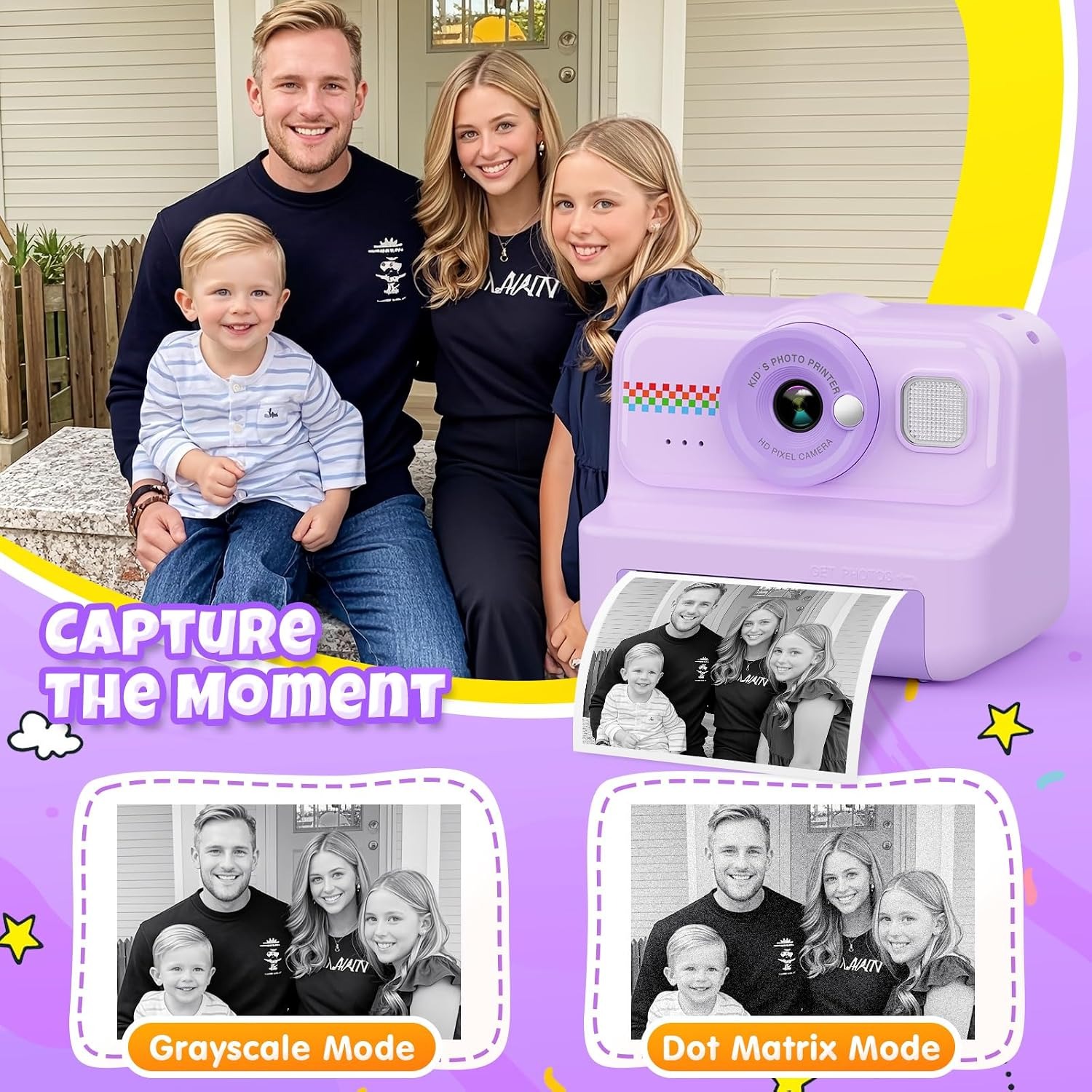
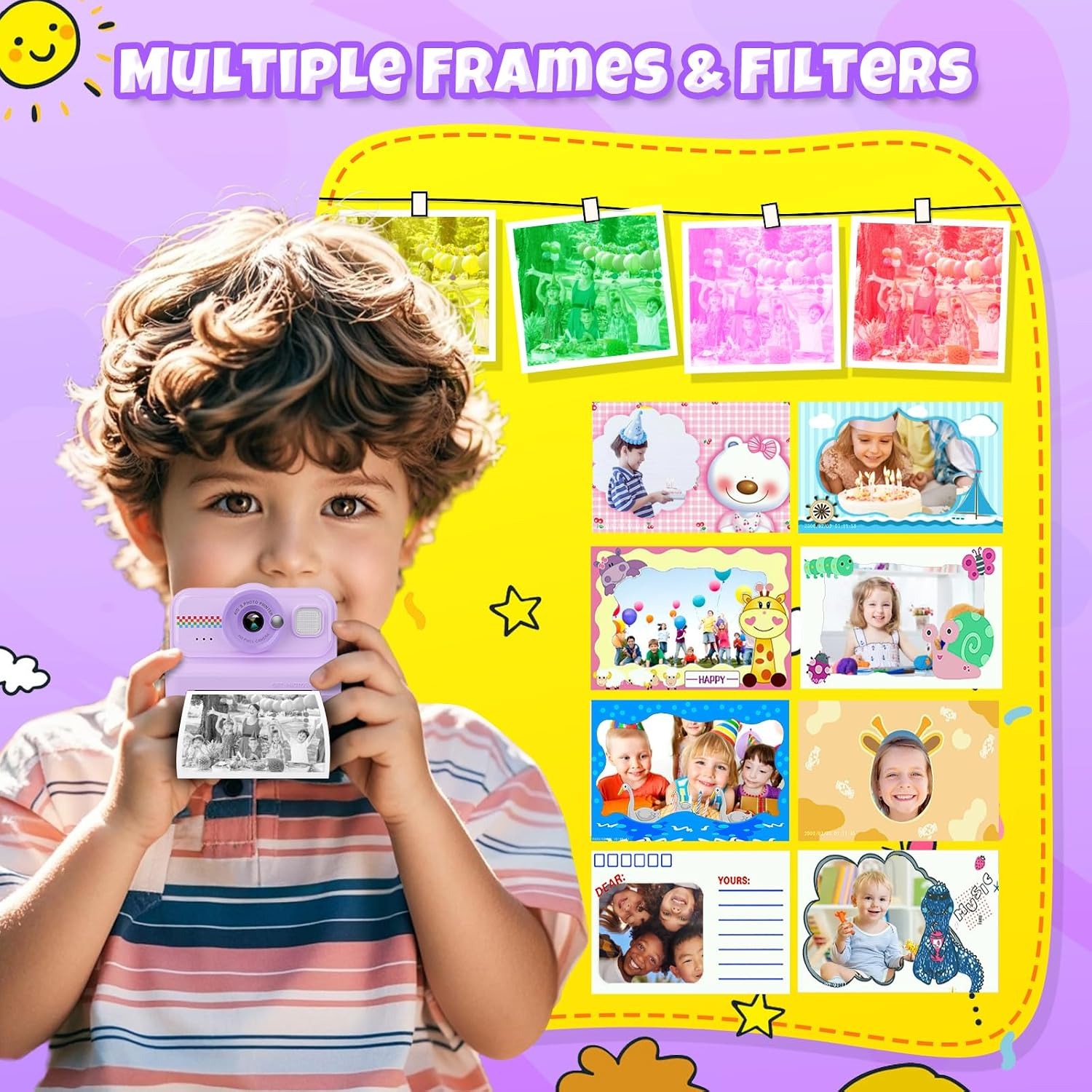
The trade-off is that thermal prints are monochrome. You get black and white or shades of grey, not colour. The camera handles this well with two modes. Dot matrix prints with a stippled texture that works beautifully for drawings, outlines and high-contrast scenes. Grayscale gives smoother shading, which suits faces and landscapes. Colour pens come in the box precisely because a plain grey print is an invitation to decorate it.
It is a real camera too
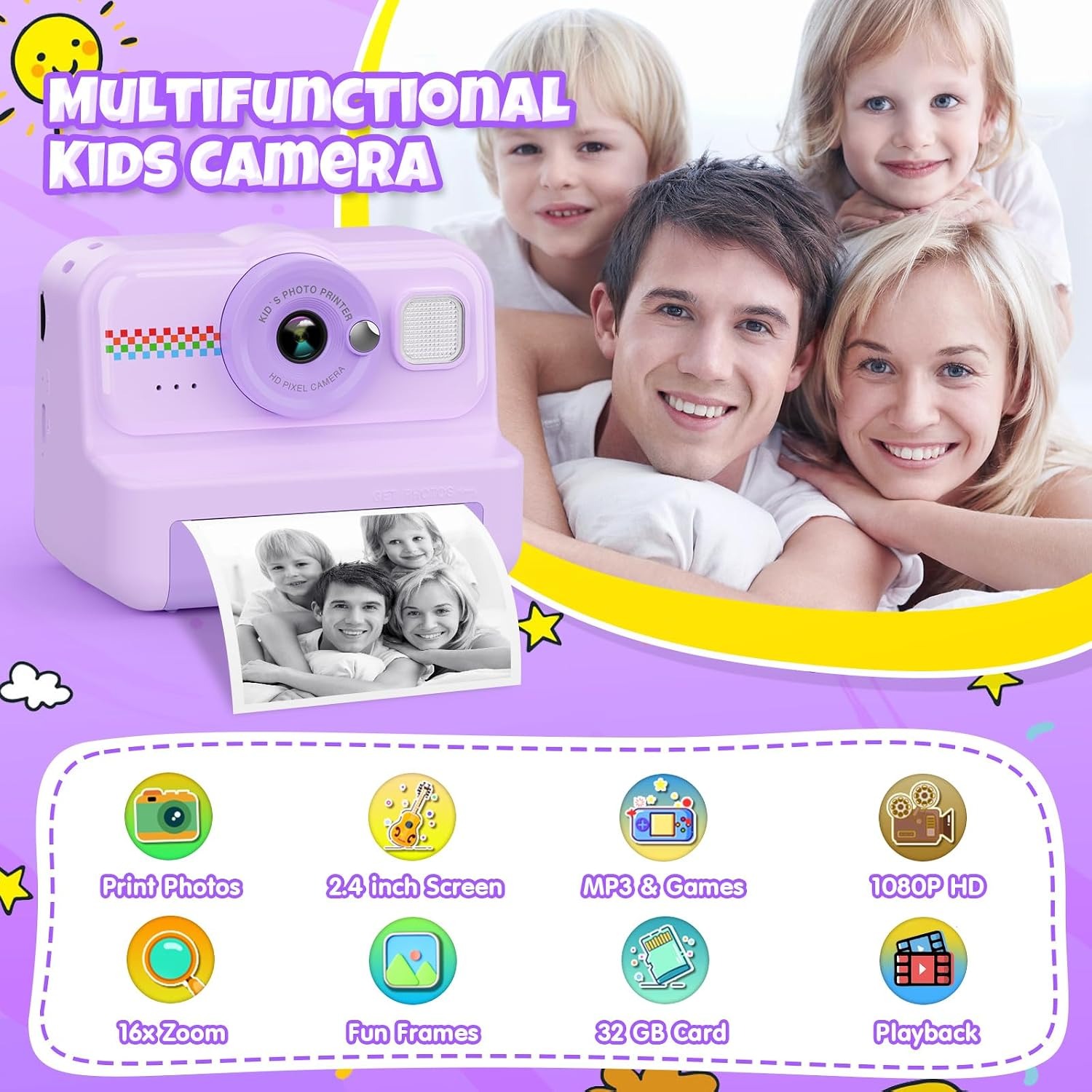
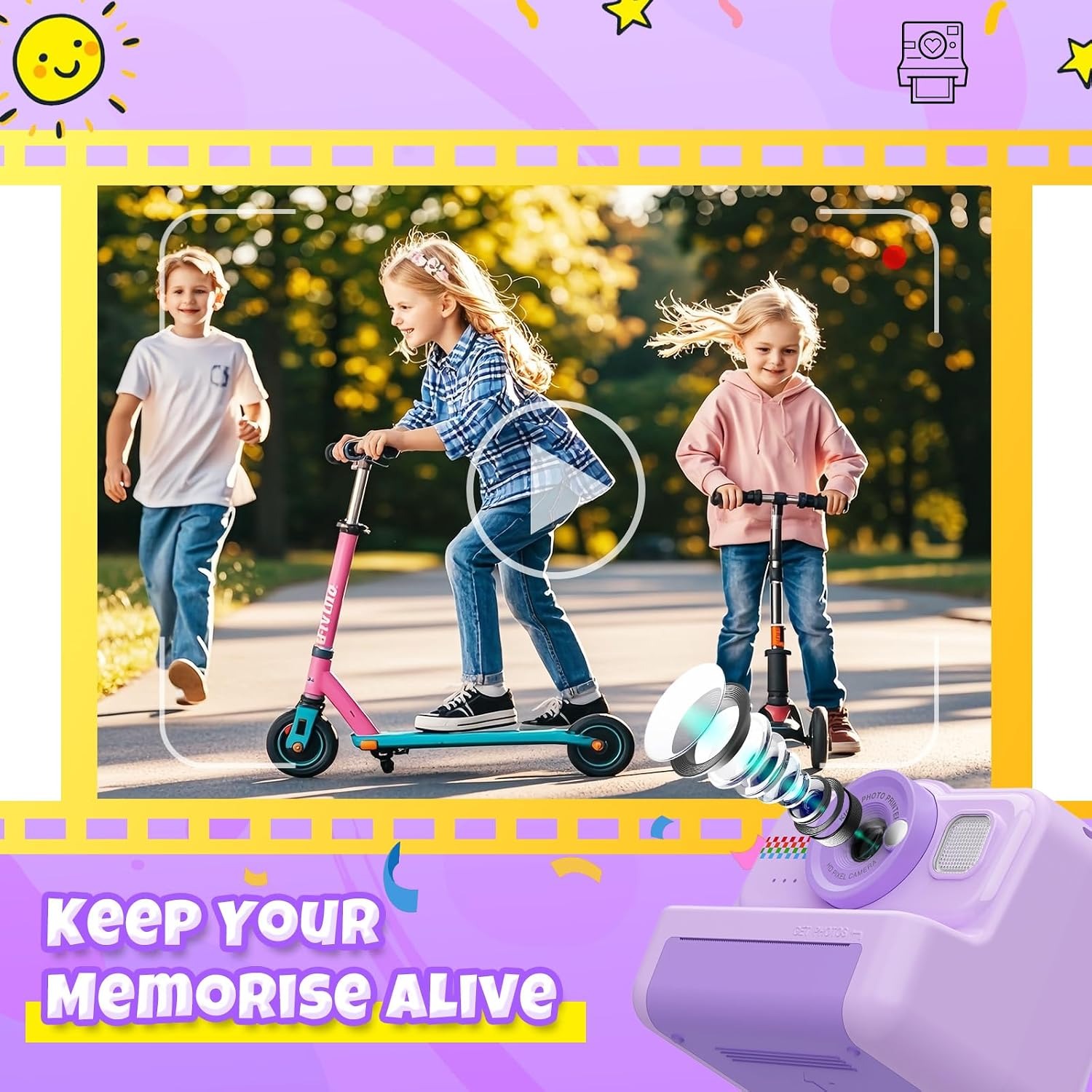
Under the printing gimmick sits a proper little digital camera. The sensor is 12 MP CMOS, capturing stills at up to 3648 x 2736 pixels. Video records at 1080p in MP4 format, which plays on basically anything without special software. Digital image stabilisation smooths out the shake that comes with small hands and excitement.
The 2.4-inch colour LCD on the back is one of the more important specs here, even though it sounds boring. Young children cannot reliably frame a shot through a tiny optical window. A screen they can actually see means the photos they take are the photos they intended, and that feedback loop is what turns a toy into a skill.
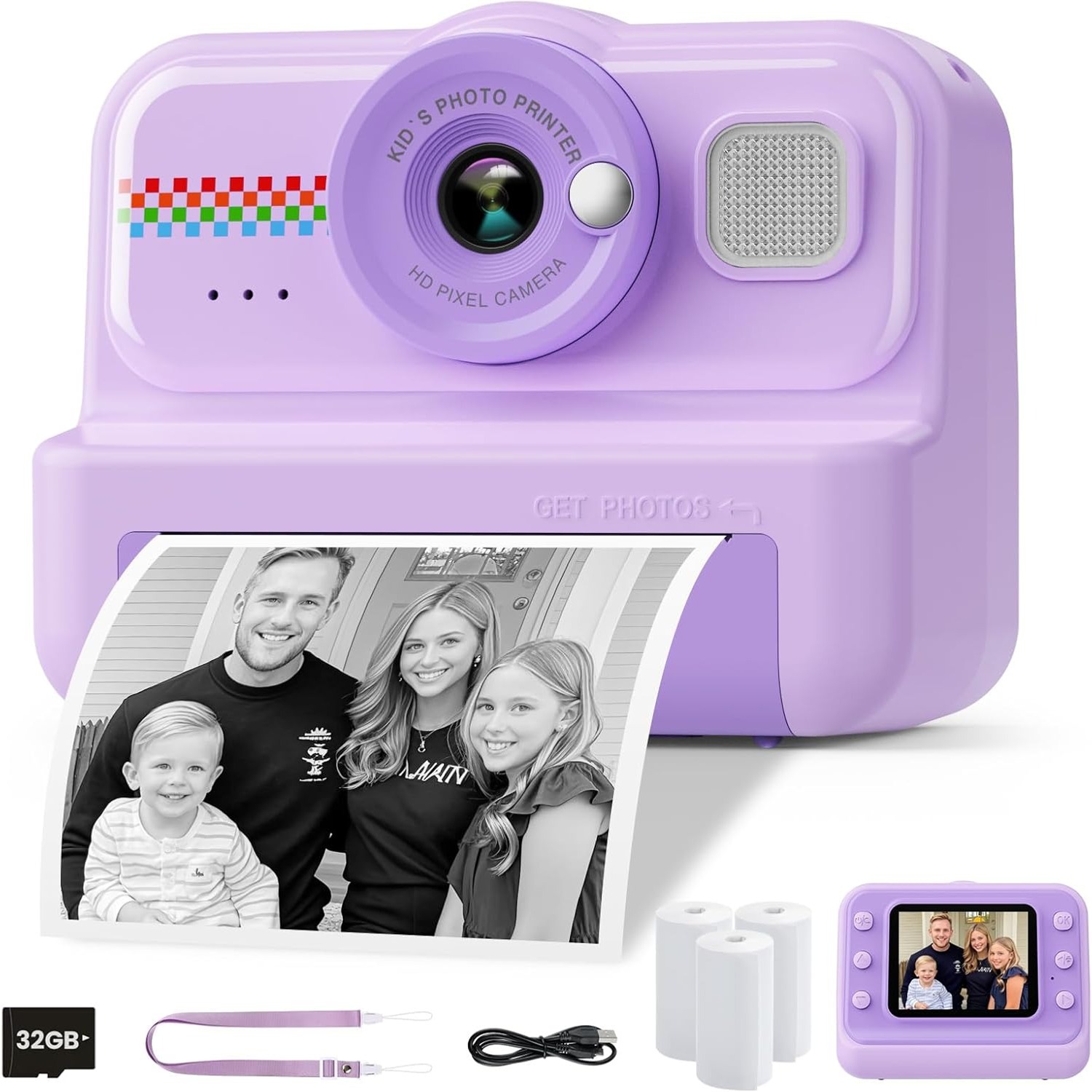
Storage is sorted out of the box with a 32GB memory card included. That is thousands of photos and a decent pile of clips. For a child, it is effectively unlimited, and it removes the single most annoying thing about budget cameras, which is running out of room halfway through a day out.
The battery is a lithium polymer unit rated at around four hours per charge, topped up over USB. Printing and video both draw more power than taking stills, so heavy print sessions will shorten that. Still, four hours covers a zoo trip, a birthday party or a long drive.
Who it suits
This is aimed at primary school ages, broadly three to twelve, and the appeal shifts across that range.
Three to five year olds are in it for the printing and the games. They will take forty photos of the carpet and love every one. The large screen and simple button layout matter most here, and an adult will probably be loading paper for them.
Six to nine is the sweet spot. Kids at this age start composing on purpose. They notice that a photo taken close up looks different from one taken far away. They start making photo collections, taping prints into scrapbooks, giving them away at school. The cartoon effects and frames get heavy use.
Ten to twelve year olds lean on the video, time-lapse and continuous shooting. They will make stop-motion clips with toys, time-lapse a sunset from a bedroom window, or film skateboard attempts. The 1080p MP4 output means those clips can be edited on a laptop later without conversion headaches.
Beyond age, think about temperament. A child who likes making things, drawing, collecting and sharing will get far more from this than one who only wants to watch screens. If your kid already leaves drawings all over the house, this is a very good match.
What to look for when comparing kids cameras
Screen size is the first thing to check, and anything under two inches makes framing a guess. A 2.4-inch display is a sensible minimum for small hands and short attention spans.
Second, check what is actually included. A camera that needs a memory card, a paper roll and a charging cable bought separately turns a gift into a shopping list, and a disappointed child on a birthday morning. A bundle with the card and paper already in the box avoids all of that.
Third, look at the consumable cost rather than just the purchase price. Film-based instant cameras look cheap until you price the film. Thermal paper is the cheaper long-term path by a wide margin.
Fourth, consider weight. At 0.39 kg this one is light enough to hang off a neck strap all day. Anything much heavier gets abandoned halfway through an outing.
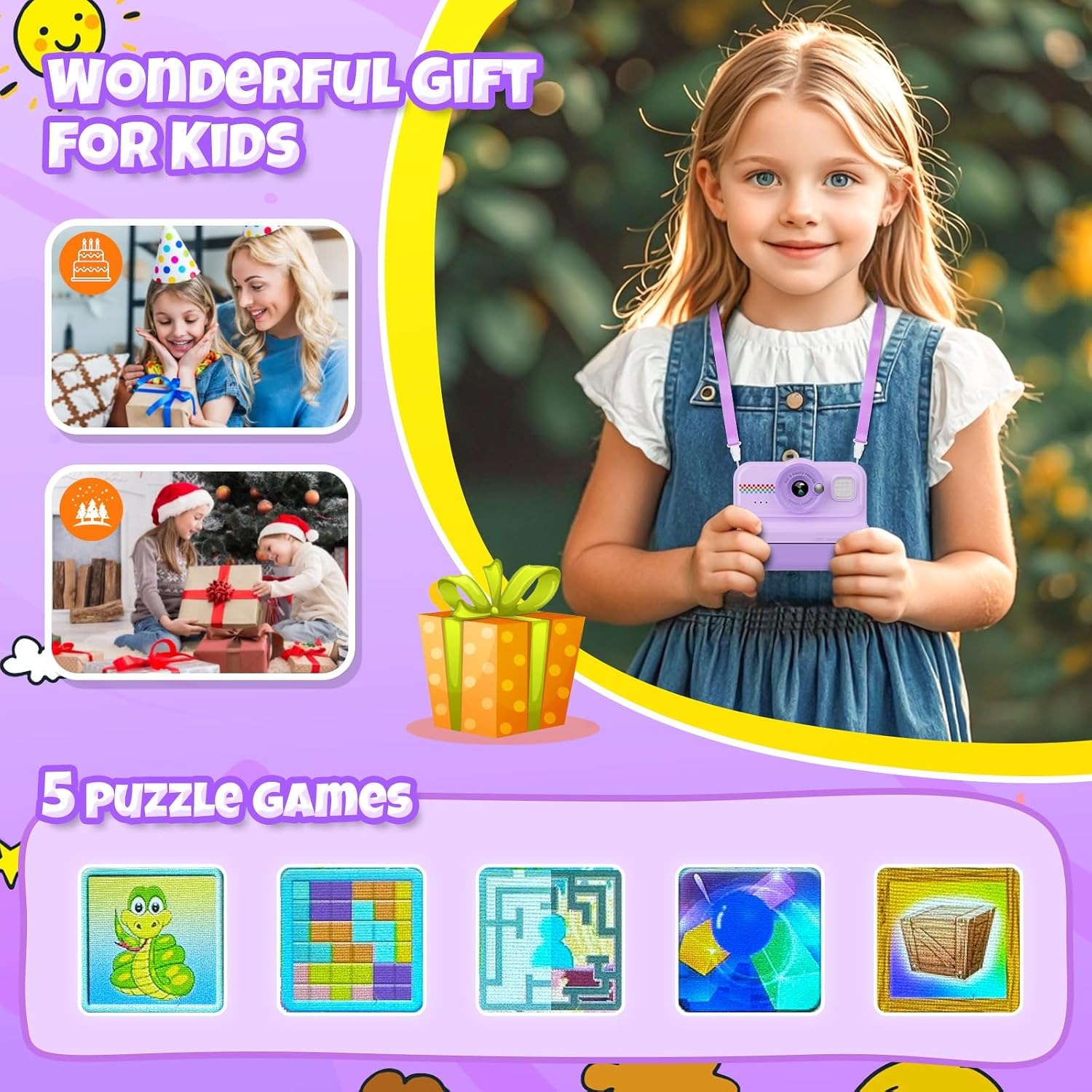
Finally, think about whether extra features help or distract. A music player and five puzzle games sound like filler, but on a two hour car trip they are genuinely useful, and they keep the camera in the bag rather than left at home.
Looking after it
Treat it as an electronic device wearing a toy's clothing. Keep it out of water, away from sand, and out of hot cars. A dry soft cloth handles fingerprints on the screen and body, and dust on the lens is better blown off than rubbed.
Store spare paper rolls flat in a cool dark spot. Thermal coating reacts to heat and light, so a roll left on a sunny windowsill will go grey before it is ever used. Finished prints last much longer in an album or a box than taped to a window.
Charge with the supplied cable, and if the camera has been sitting in the sun, let it cool first. If it is going to be unused for a few months, take the paper roll out and give the battery a partial charge rather than leaving it flat.
One habit worth teaching early is copying photos to a computer every so often. The card holds plenty, but the real reason is that the best shots deserve to survive longer than a thermal print will.
The short version
An instant print camera works for kids because it gives them something to hold. This one backs that up with a 12 MP sensor, 1080p video, a 2.4-inch colour screen and a 32GB card included, so it functions as a real camera and not just a printing toy. Running costs stay low because the thermal printing needs no ink, only paper.
It comes ready to use with print paper and colour pens, weighs very little, and runs about four hours per charge. If you have a child who likes making things and sharing them, this is the kind of gift that is still getting picked up months after the wrapping paper went in the bin.